

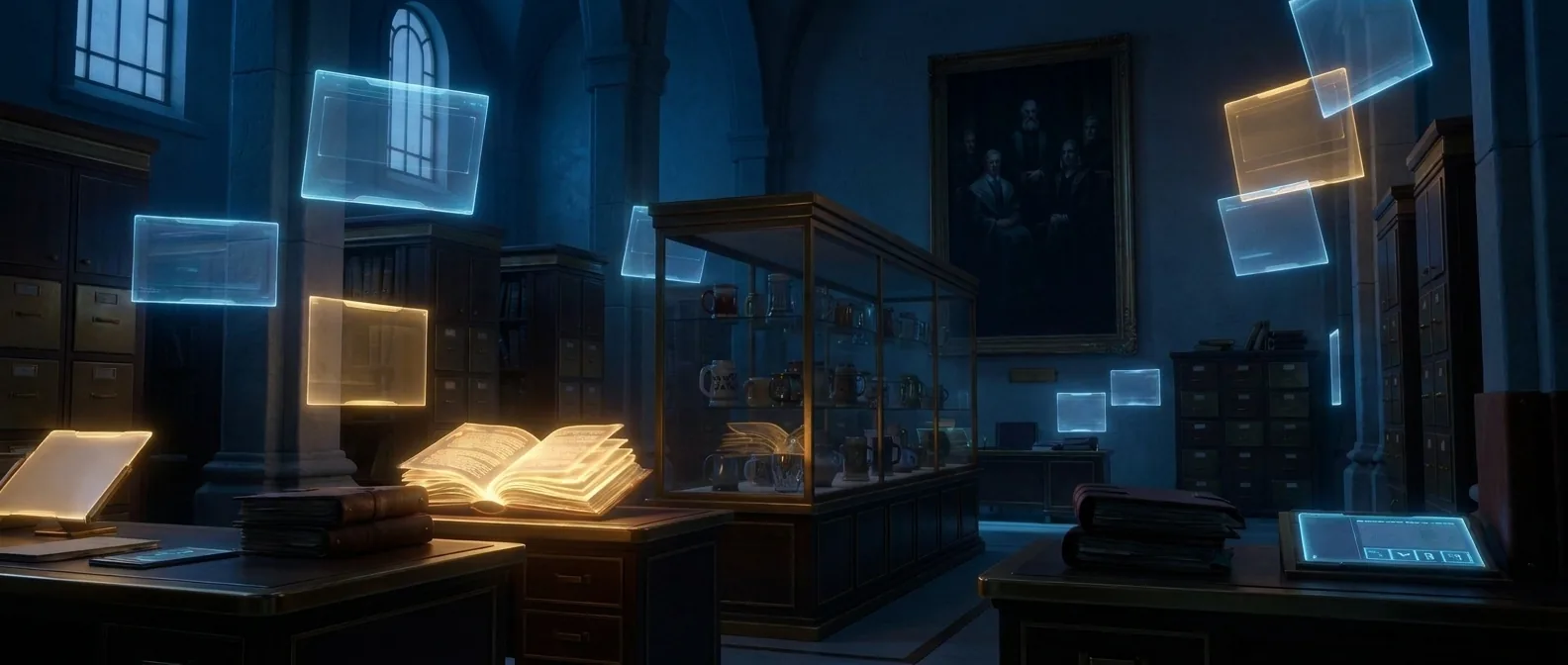
A finished video, from the script you started with
Once the characters, frames and voices are in place, draft2cut generates the video shots with the engine you choose, assembles them in order, mixes dialogue and music, adds subtitles and exports an edited video.
From frame to finished shot
Shots are then assembled in order, with dialogue, music and subtitles, and exported as an edited video that carries a visible AI label.
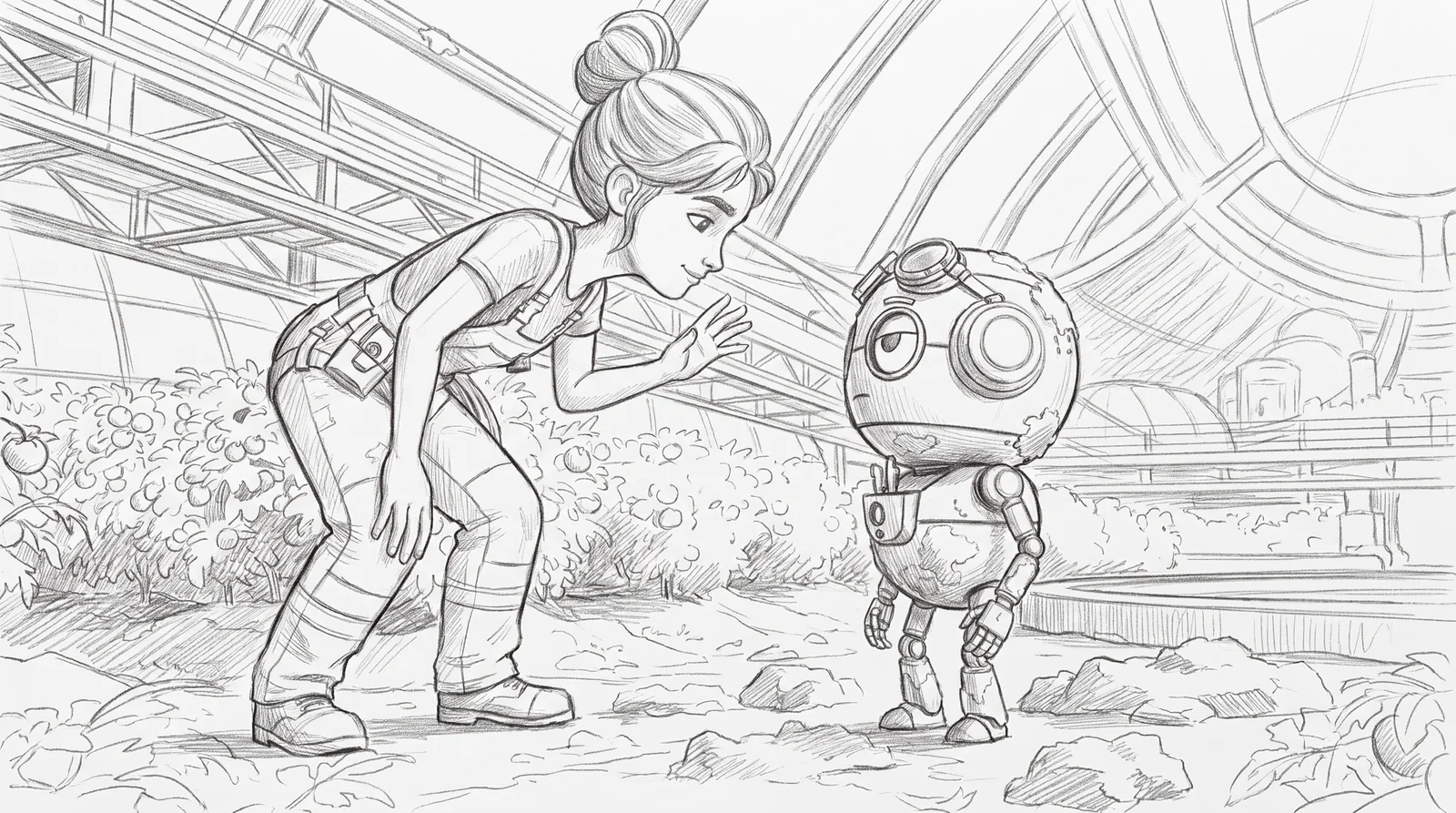
A frame
The storyboard frame fixes the picture: who is there, where, and how it is framed.
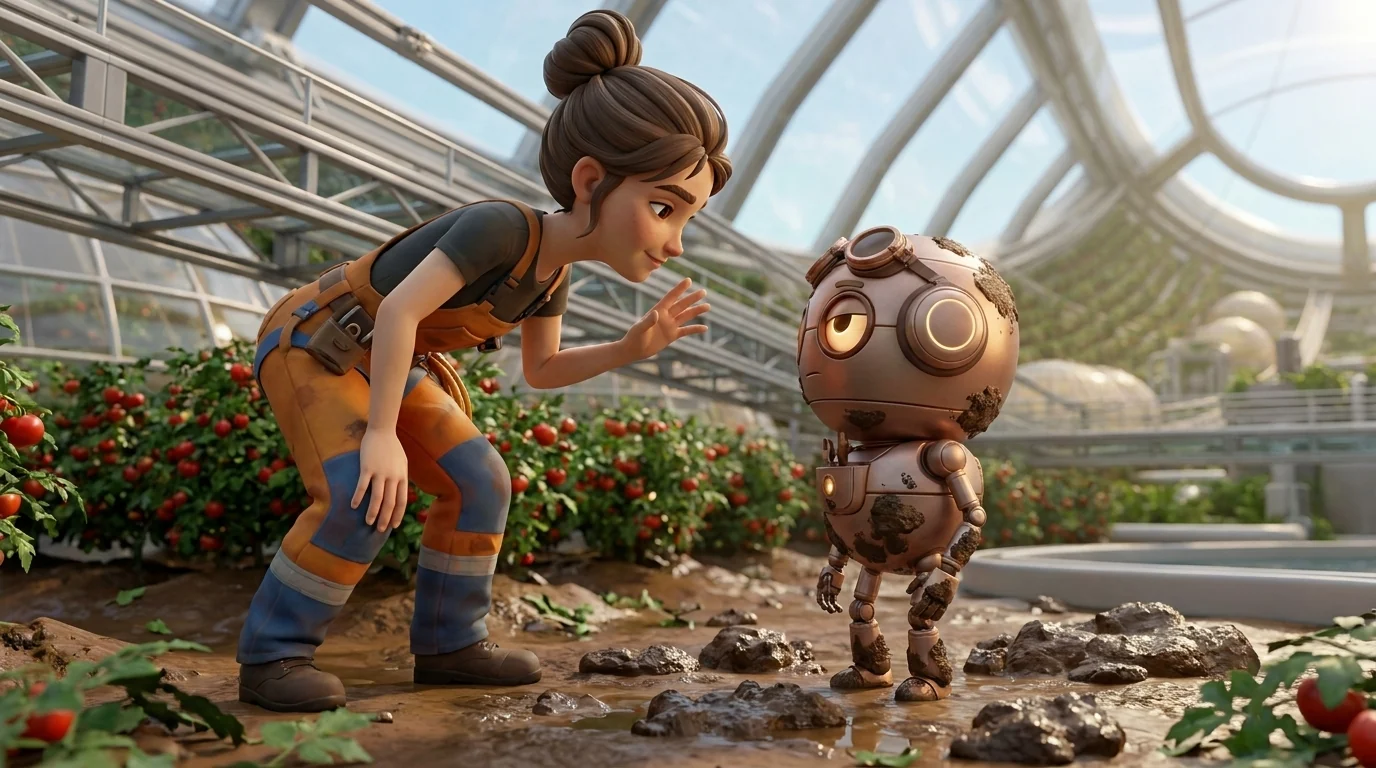
A shot
The image engine draws the frame with your characters and locations, so the look is settled before any video is made.
A video
The video engine you choose animates the shot. Shots can be regenerated one by one, and every take is kept.
Review it, and take it further
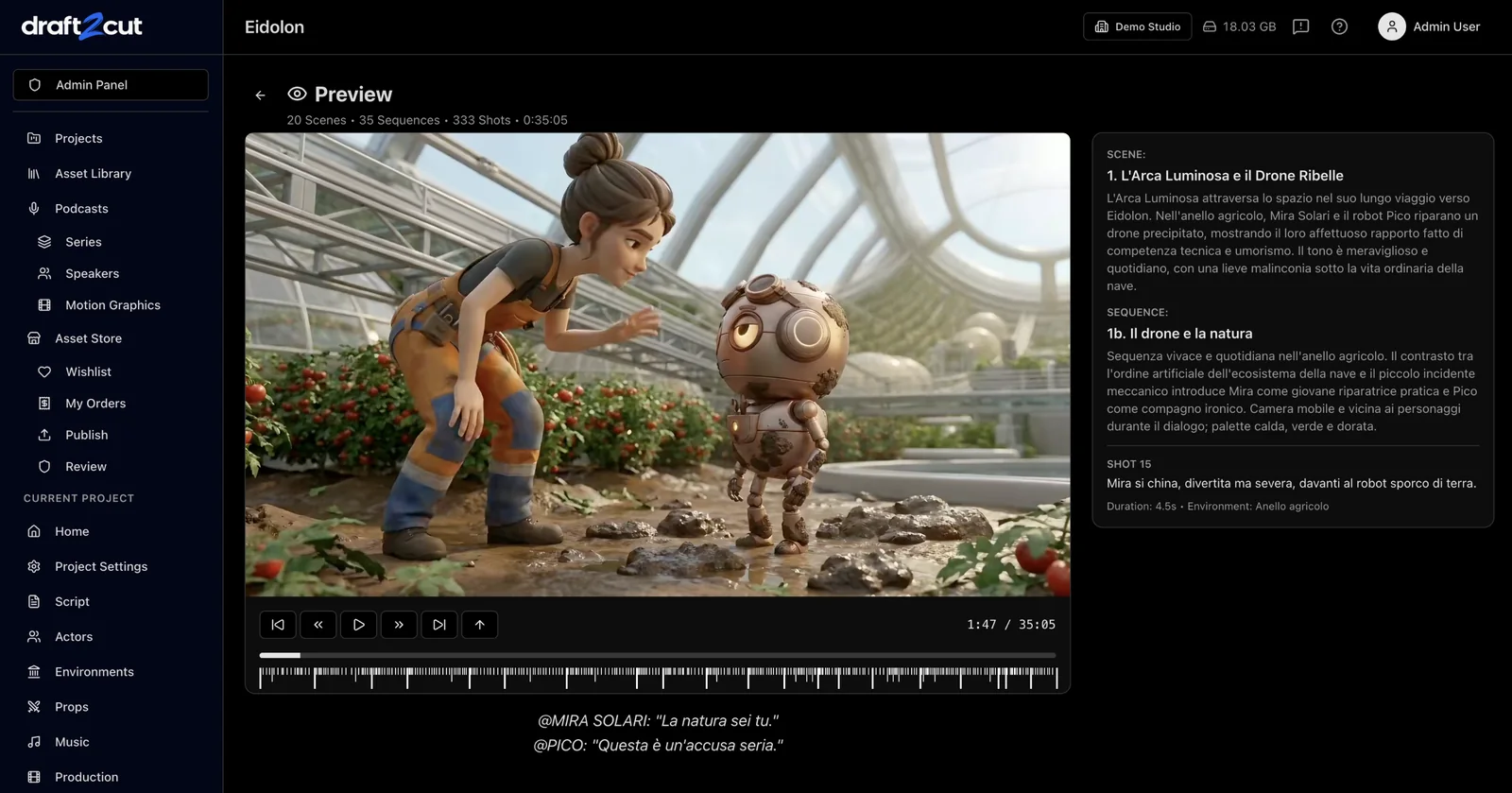
Visible, and recorded
Exported video carries a small AI label by default, with machine-readable metadata. Removing it is a recorded, deliberate choice.

What to expect
The result is as good as the engines you choose and the decisions you make: draft2cut gives you the structure and the control. You can review the edited video, share it, or export a timeline file and finish it in Final Cut Pro or Premiere.