
See the project before you commit to it

Generate a frame for each shot with your characters and locations. Check the composition with a preview that costs nothing, then generate the real frame.

From previz to generated frame

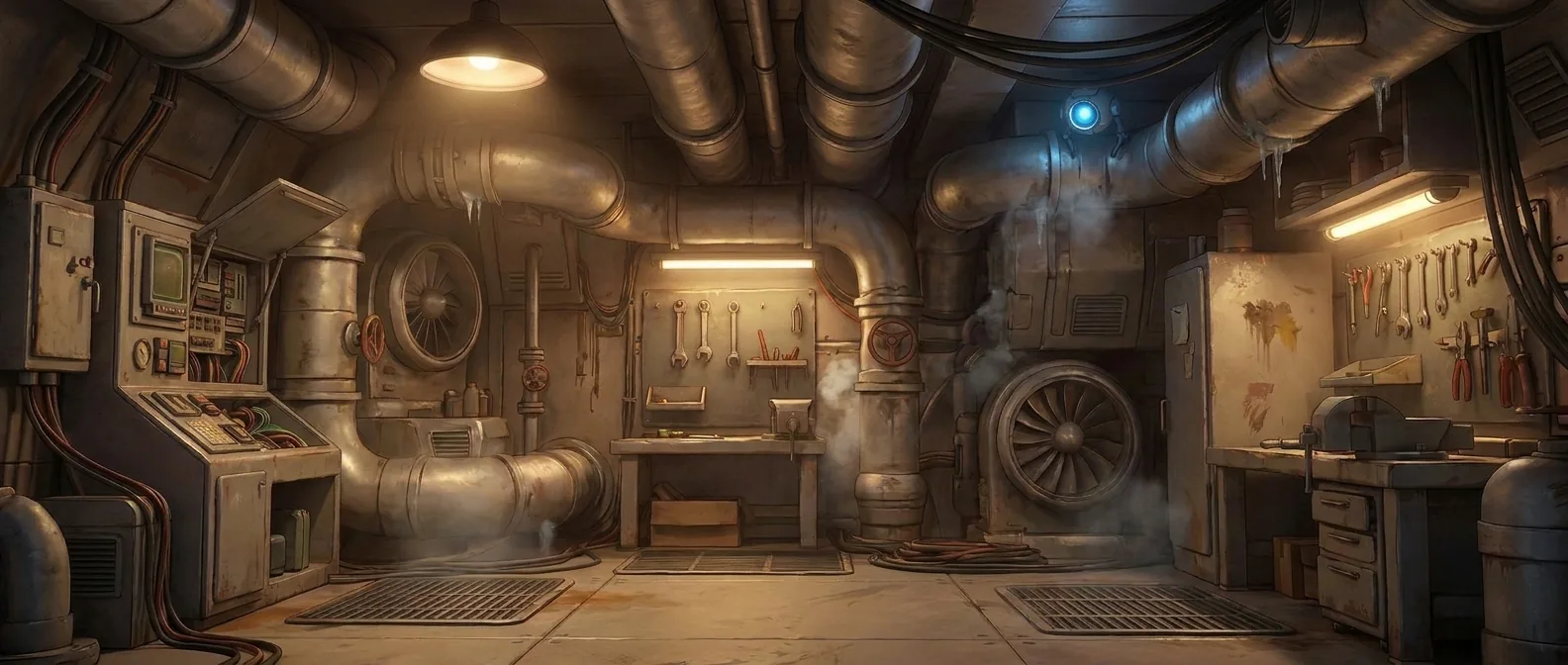
A previz shows who is in the shot, where, and who speaks — before any image is generated. Staging places a character over a background. Then the frame is generated.
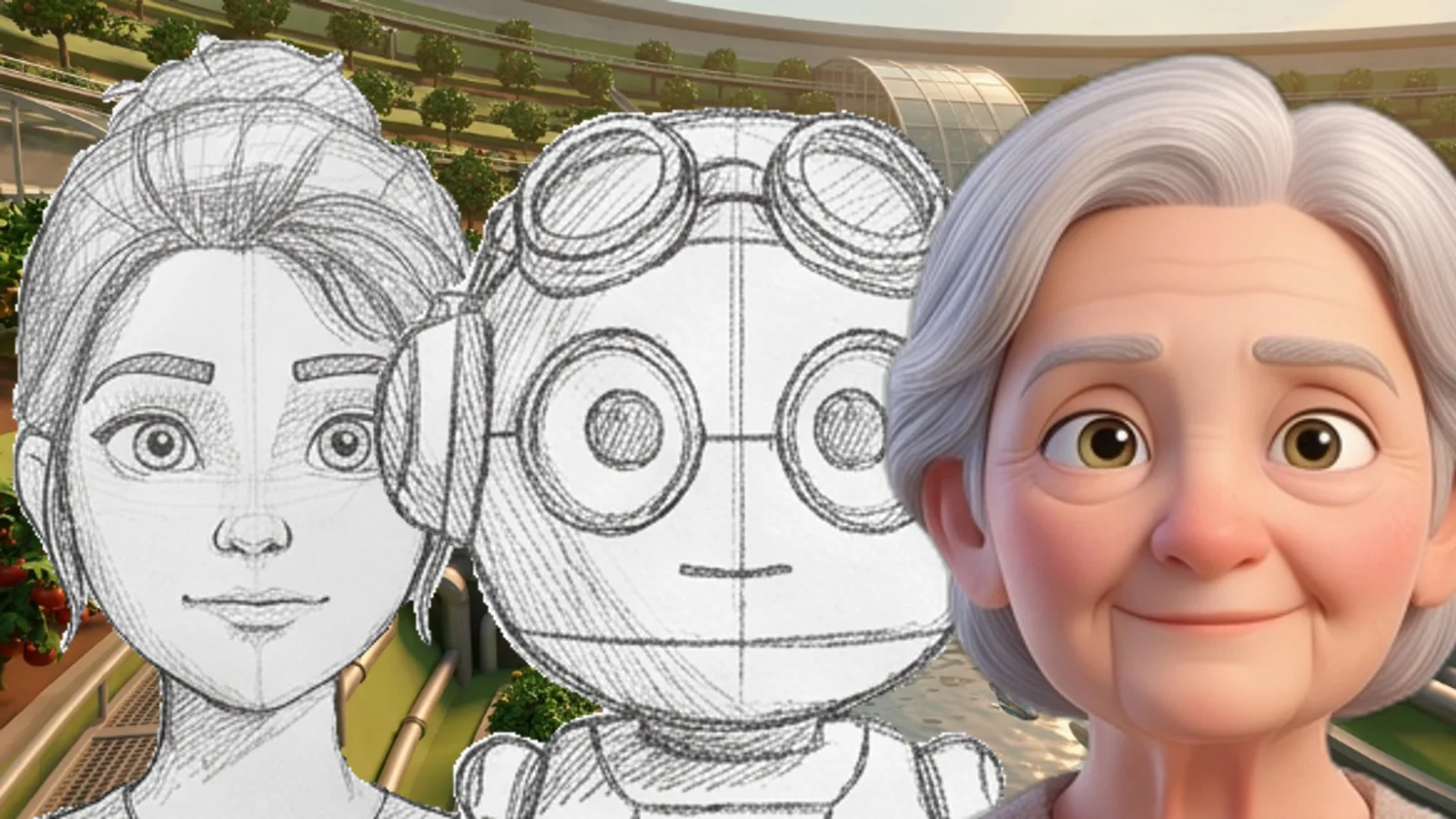
A previz frame showing who is in the shot, before any image is generated.
Previz
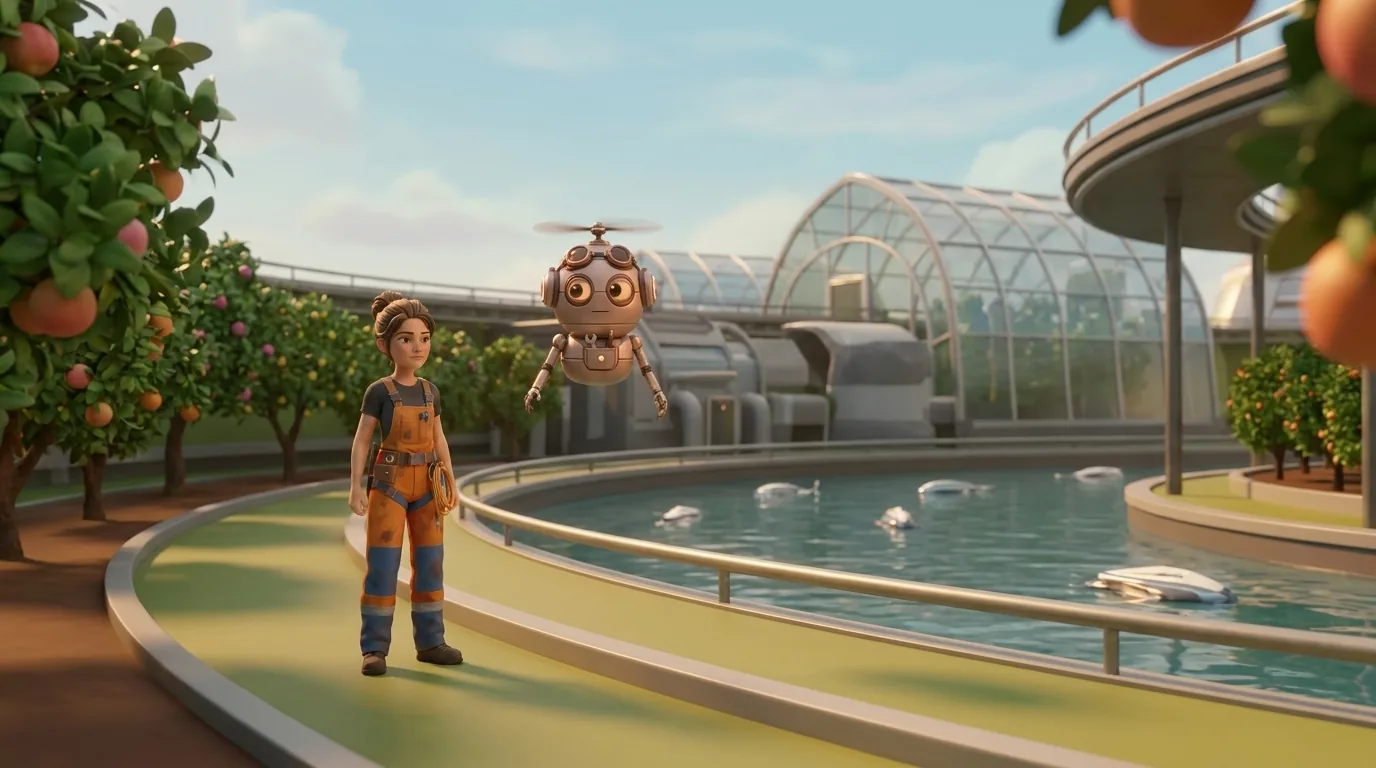
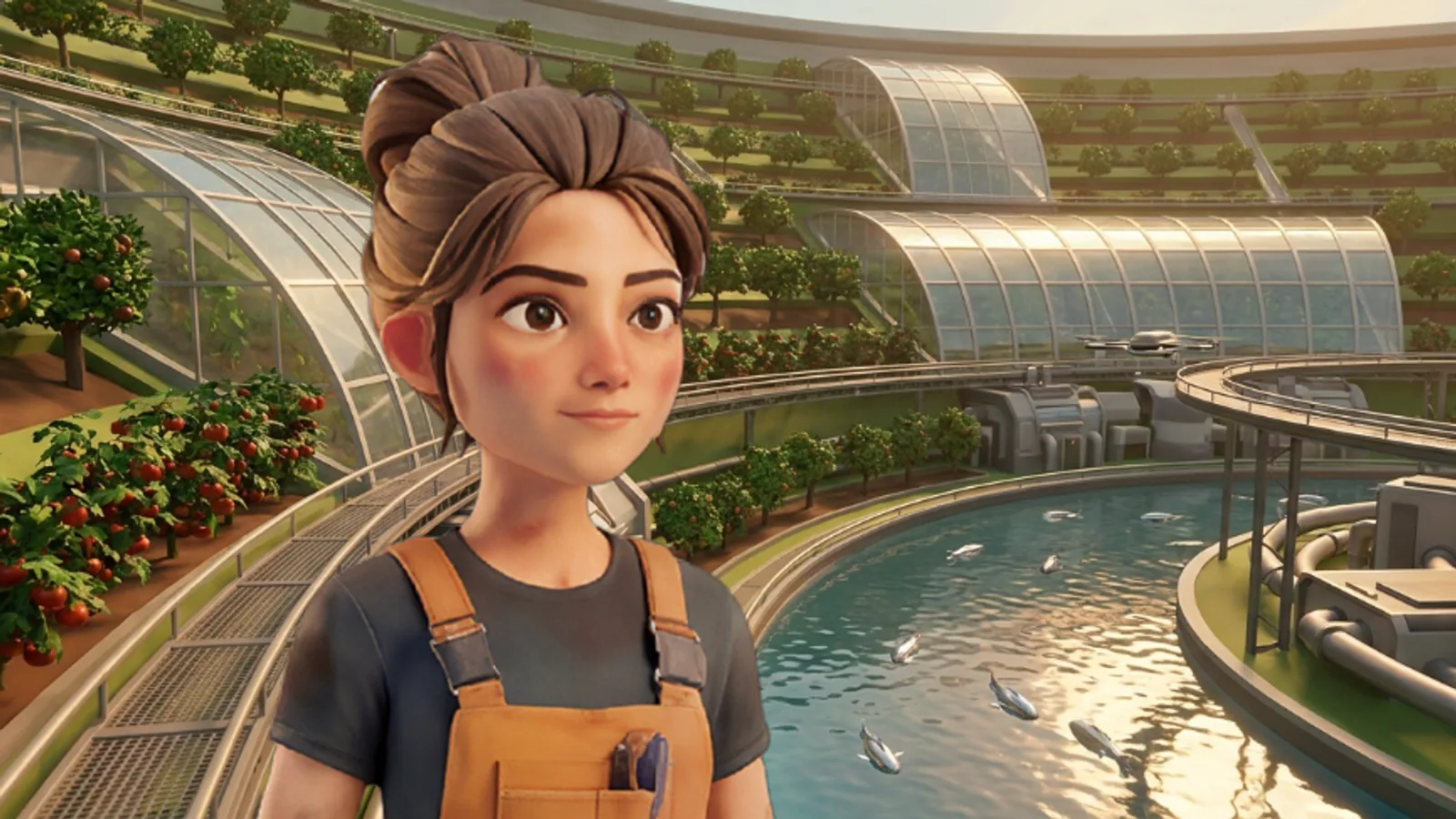
The lead character placed over a background in a staging composite.
Staging
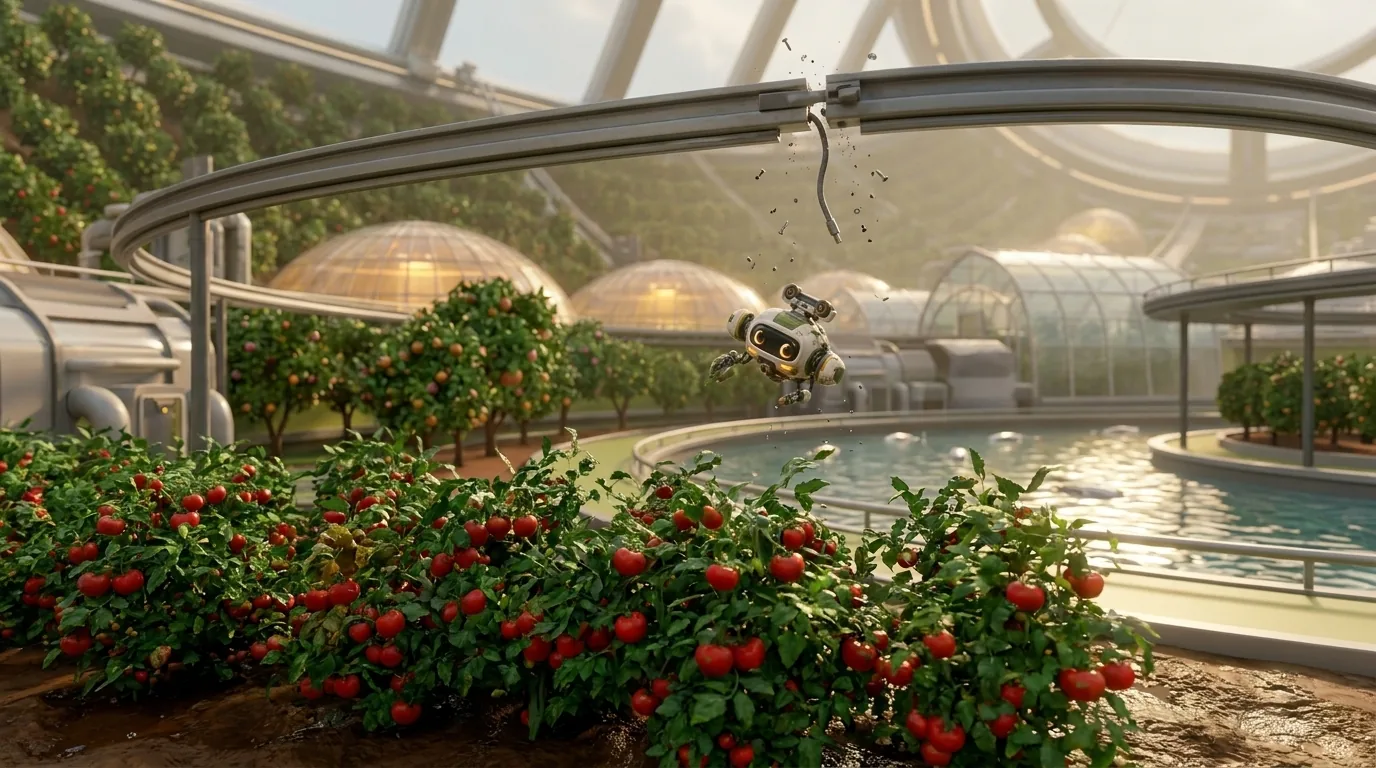
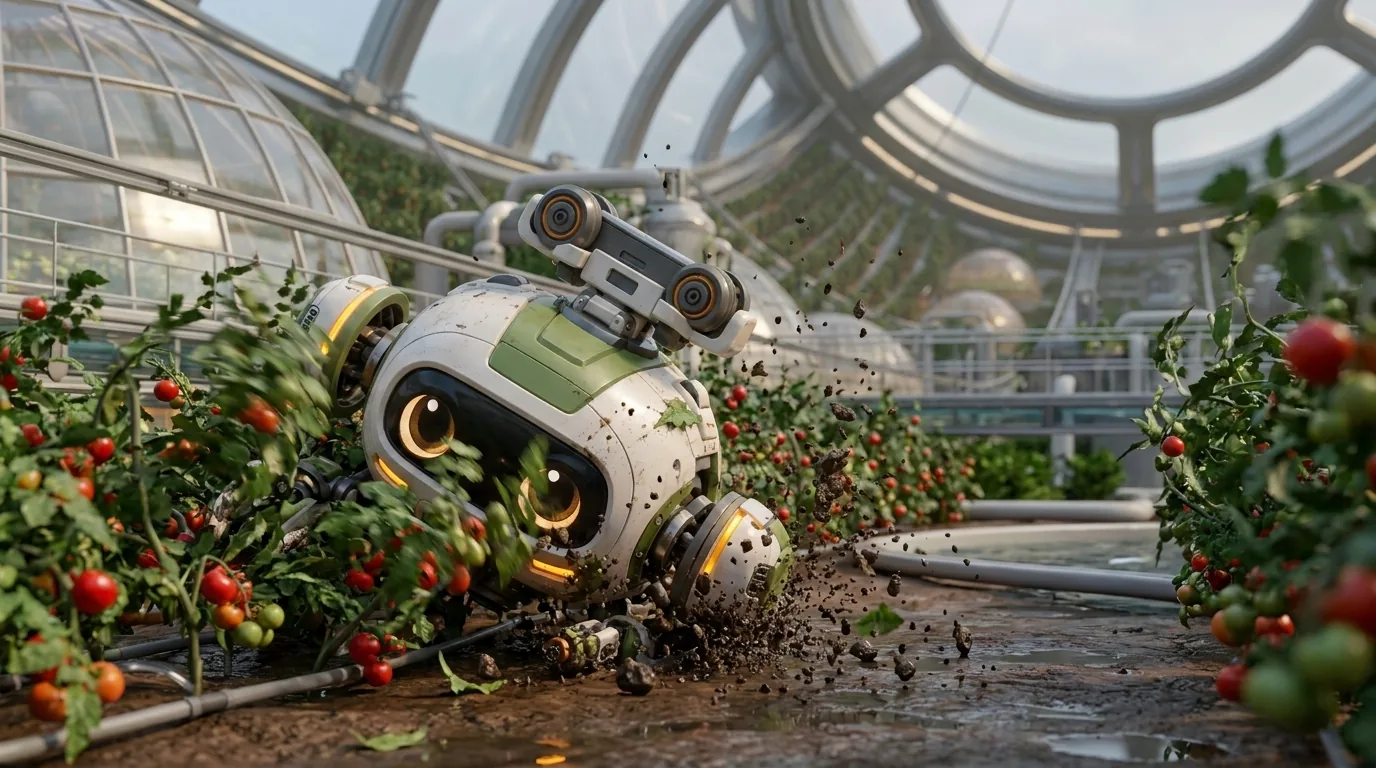
A generated frame of a drone falling from a rail towards tomato plants.
Generated frame

A sequence, frame by frame

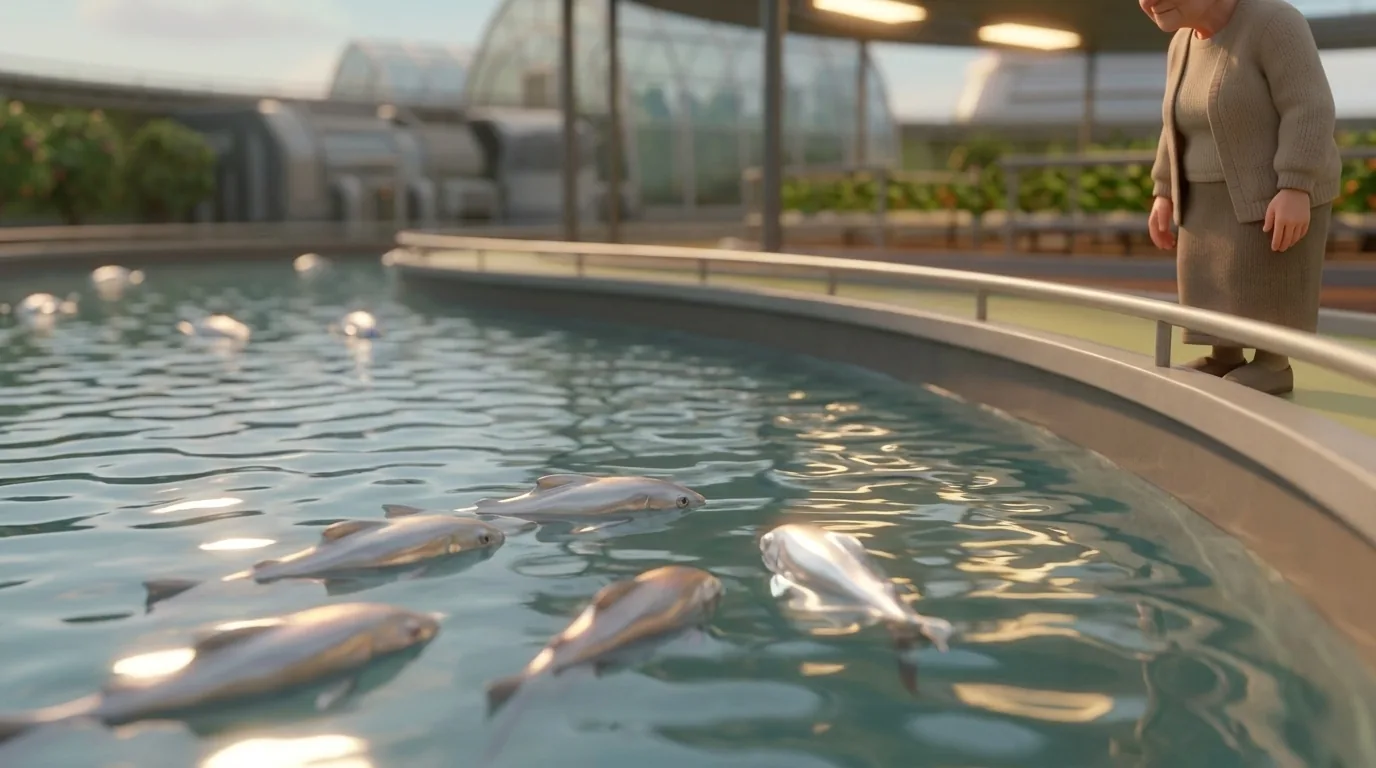
Frame 005 of a sequence set in an agricultural ring on a generation ship.
Frame 006 of a sequence set in an agricultural ring on a generation ship.
Frame 008 of a sequence set in an agricultural ring on a generation ship.
Frame 009 of a sequence set in an agricultural ring on a generation ship.
Frame 010 of a sequence set in an agricultural ring on a generation ship.

Frames from the series Heidolon, produced with draft2cut. Generated with draft2cut.

Watch it as it is built
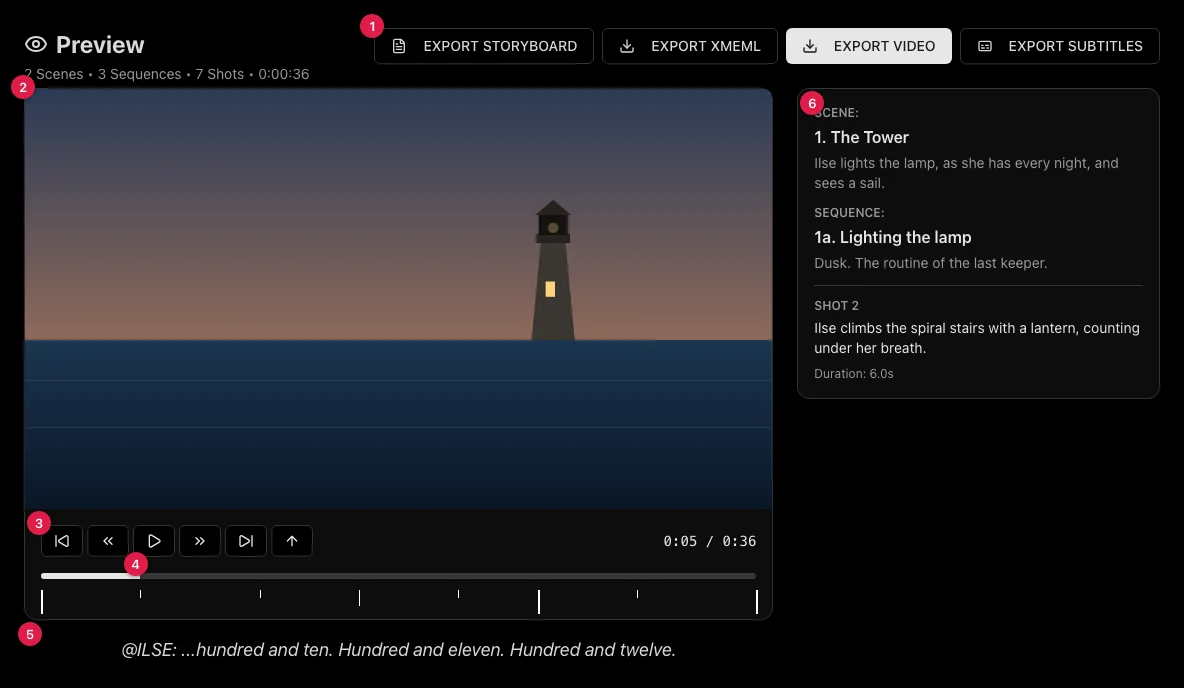
The draft2cut preview player showing a shot, the timeline and the export options.
The preview plays the project as a continuous video.
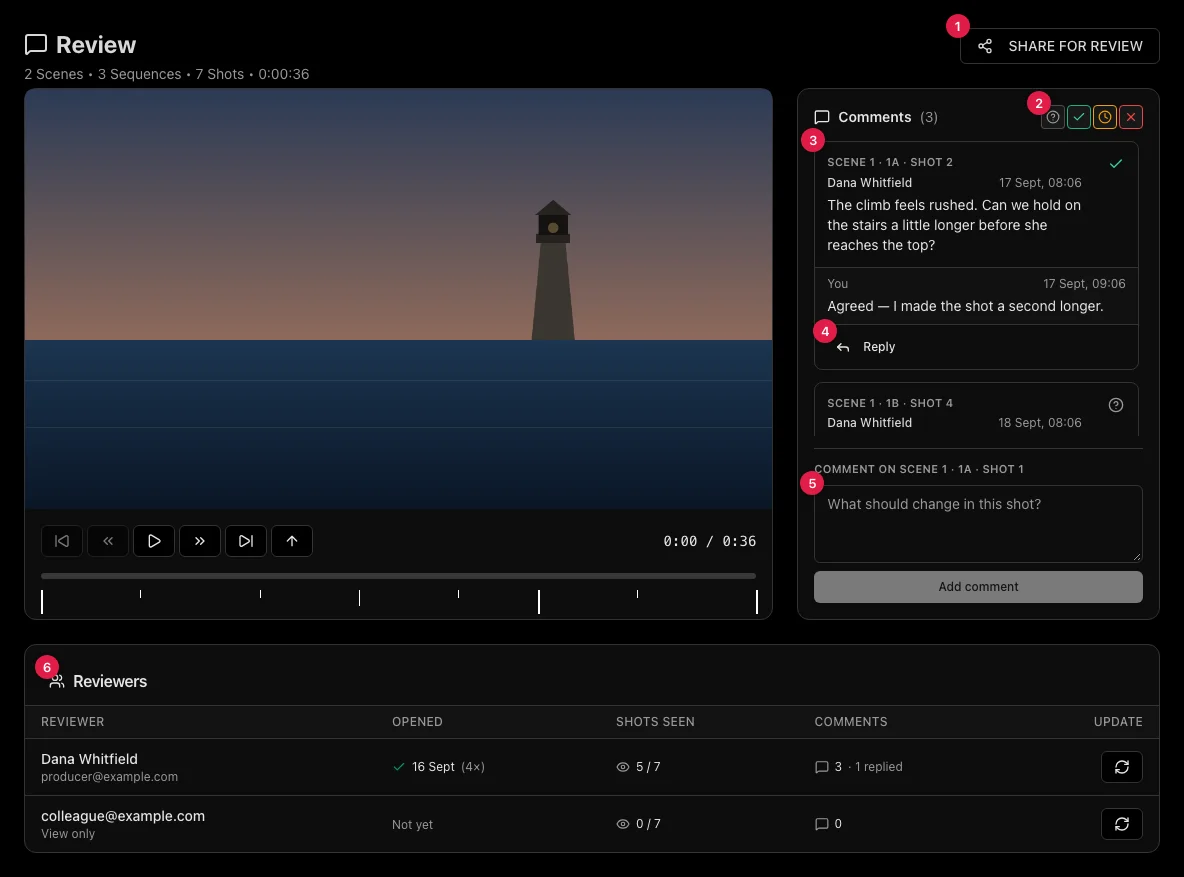
The draft2cut review page with comments on a shot and the list of reviewers.
Share it for review, with comments per shot.

Also in this stage

  • Every attempt is kept as a take: compare and choose.
  • Pencil-style drafts for speed, final frames when you are ready.
  • A storyboard PDF of the whole project or of the scenes you choose.

See your project before you shoot it

draft2cut is in beta. Request access.

Request beta access