

From storyboard to an edited video
A storyboard shows what each shot looks like. Getting from there to a video that plays from beginning to end is a sequence of steps.
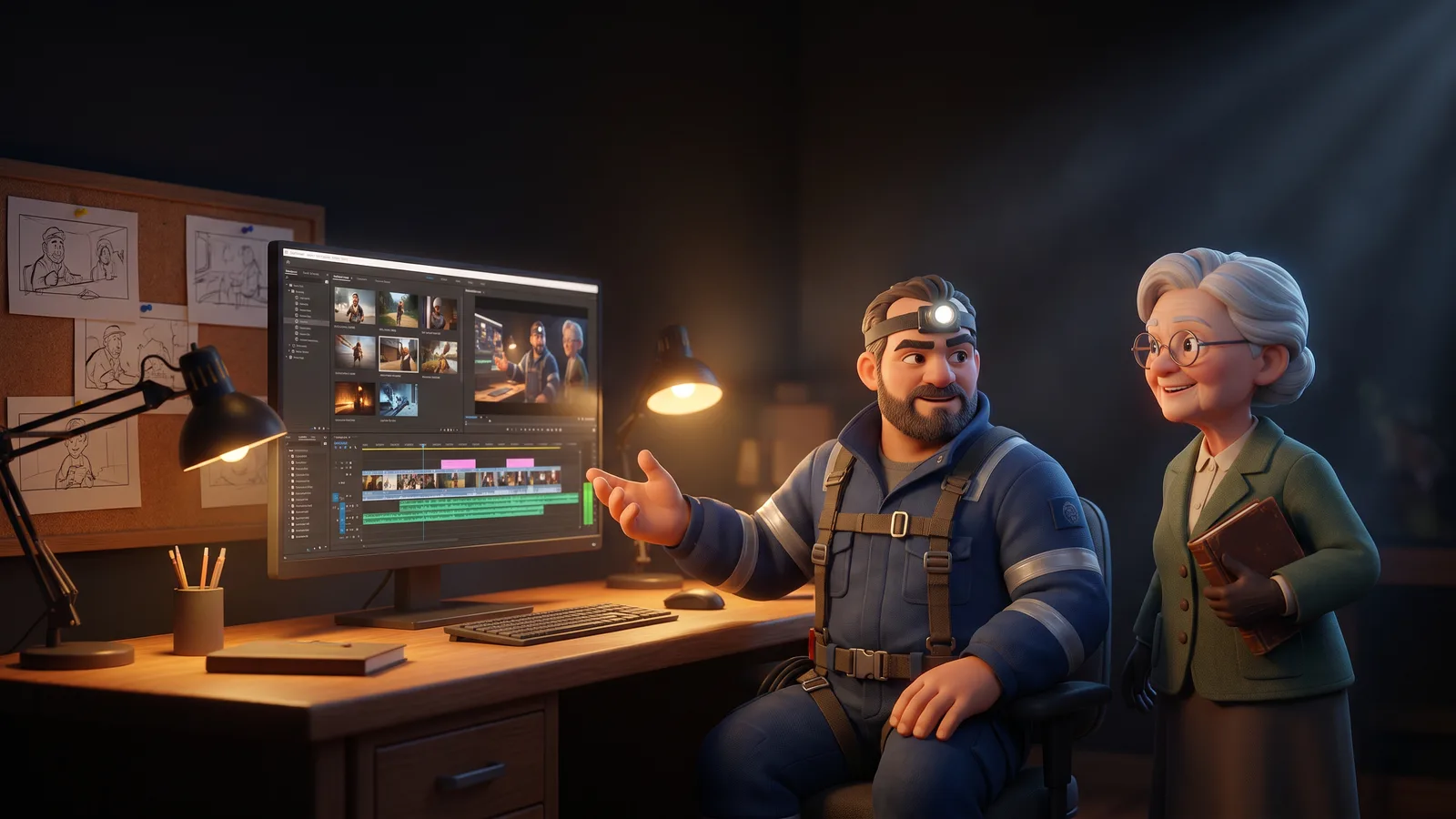
The steps
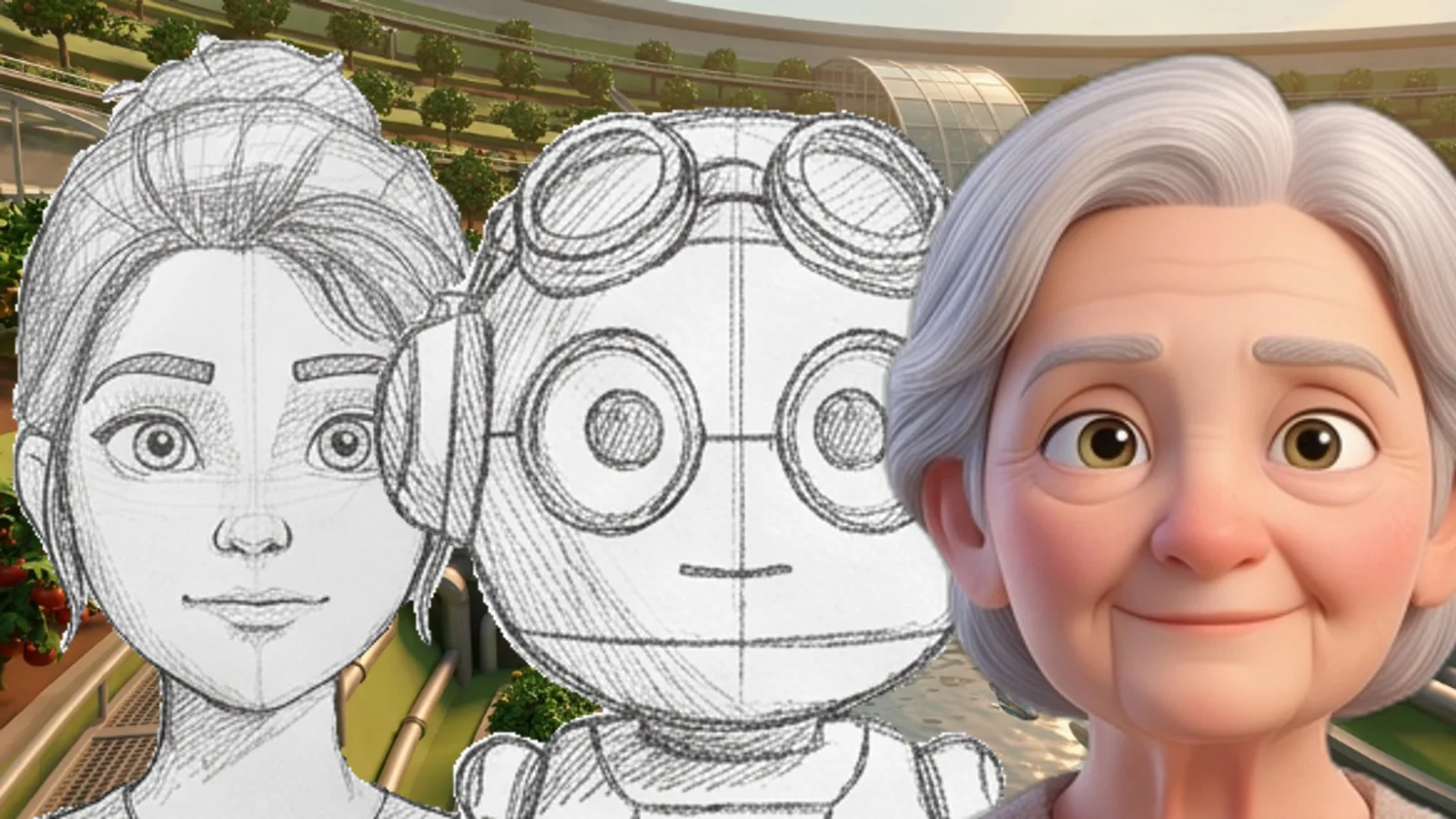
Fix the frames
Each shot has a frame that decides who is there, where, and how it is framed. Check it with a free preview before generating the real one.
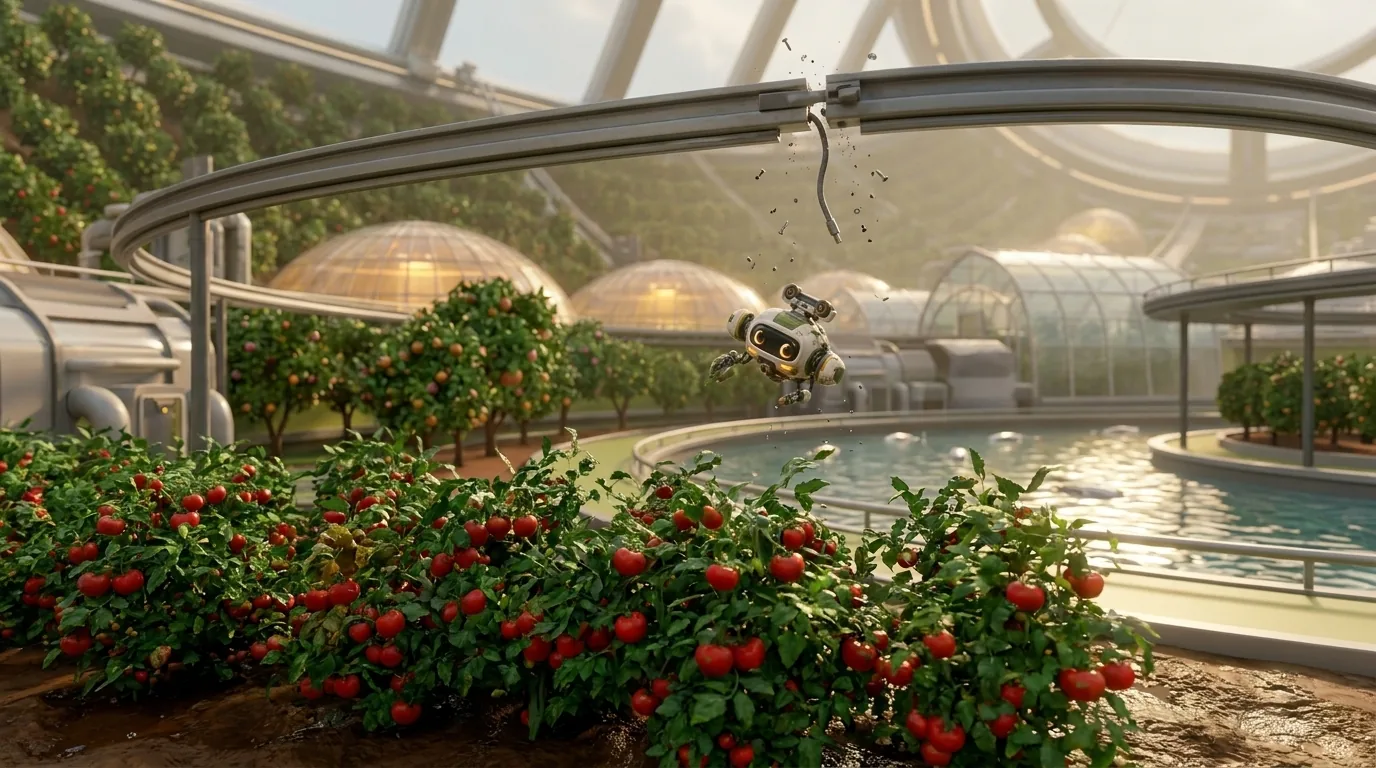
Generate the shots
A video engine animates each frame. Regenerate one shot at a time; keep every take.
Record the dialogue
Generate each line with the character's voice. Fix one line without redoing the exchange.
Add the music
Compose a theme and place it scene by scene, under the dialogue.
Assemble and check
Play the whole thing in the preview, retime lines on the timeline, and re-sync the mix.
Export
Export the edited video with subtitles — or a timeline file to finish in an editing suite.