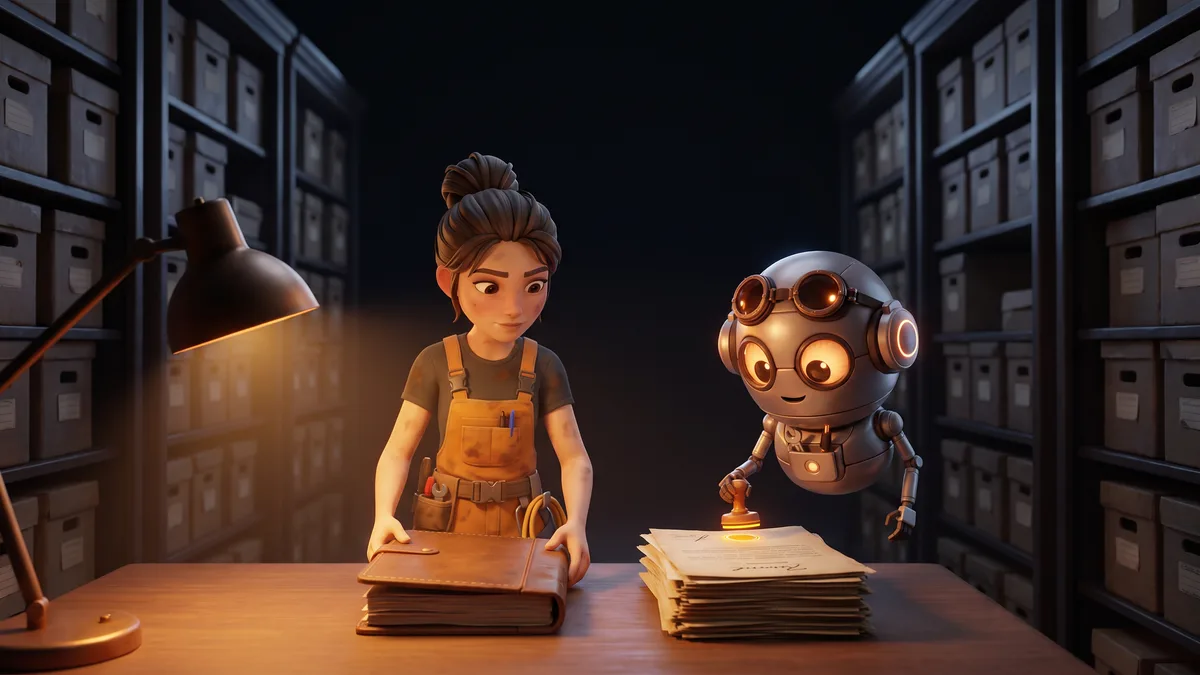

Why AI filmmaking breaks after shot 20
The first shots are easy. The trouble starts when the story needs the same people, the same places and the same decisions, shot after shot.
Where it breaks
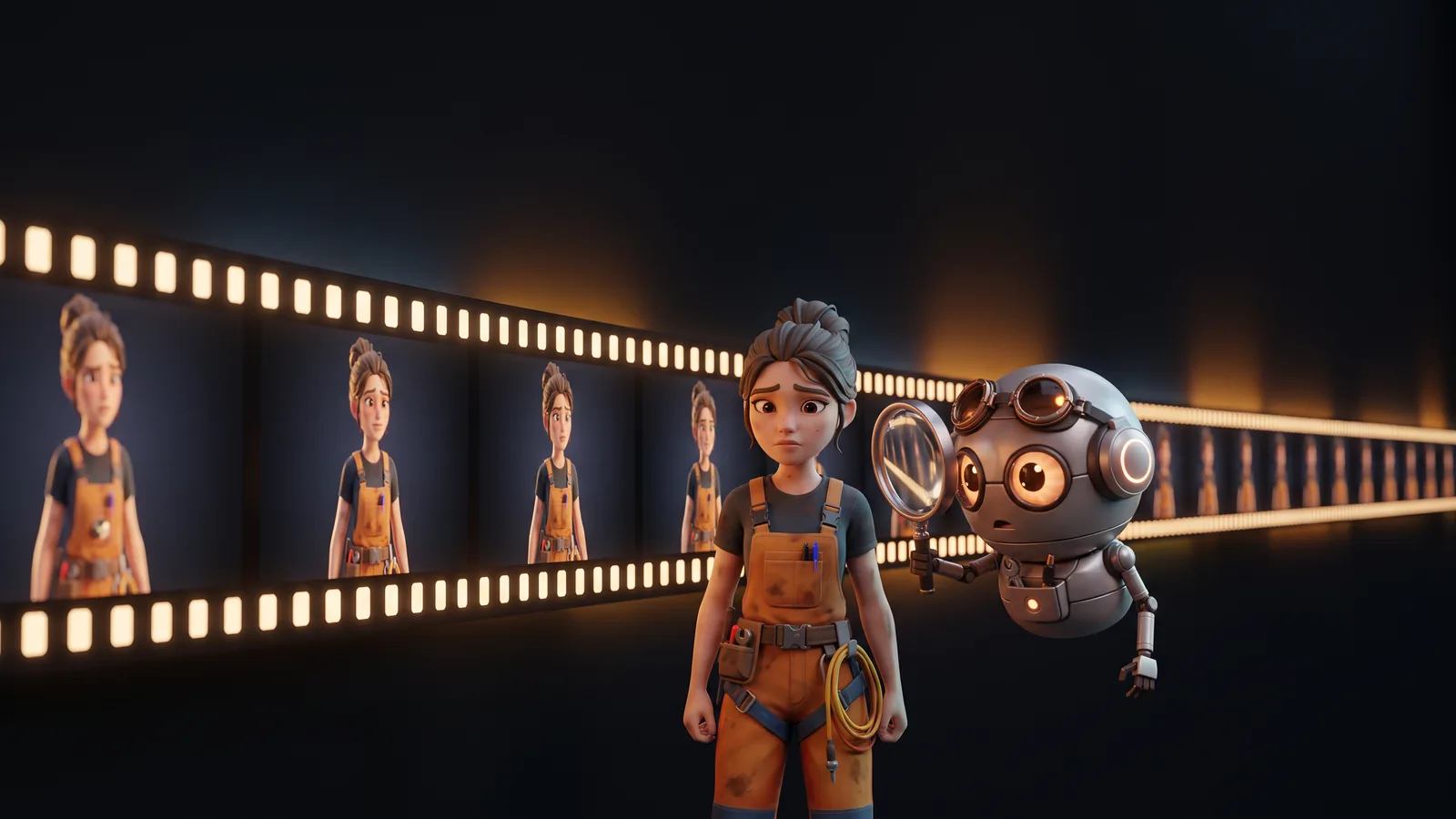
A clip generator answers one request at a time. Ask for the same character in twenty shots and you get twenty similar characters: the hair changes, the clothes change, the face drifts. A viewer notices by the fifth.
The script drifts too. Once it lives in one document and the images in a folder, every change has to be carried over by hand, and sooner or later it is not.
And the good attempts get lost. When a shot is regenerated six times, nobody remembers which version was the best, or which settings produced it.
Most image and video models treat each request on its own. Ask for a detective in a trench coat in one shot and a close-up of the detective in the next, and the model reads the word detective afresh each time: nothing ties the second shot to the first. Small differences pile up, and twenty shots later you are no longer filming the same person.
Pre-production first
The work starts before anything is generated. A breakdown extracts the characters, locations, scenes, sequences and shots from the screenplay, as a line producer would, and every character, environment and prop gets its bible.
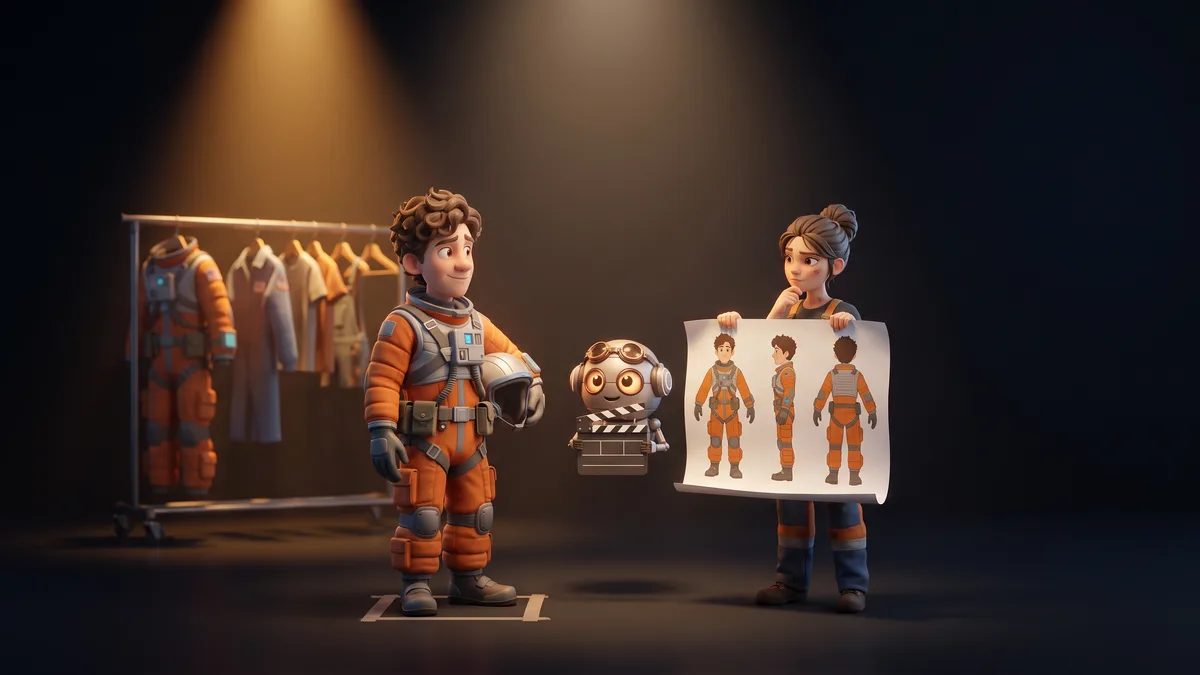
The character bible is where continuity is won: a turnaround from the front, the sides and the back, the outfits, thirty-six expressions to choose from shot by shot, and a voice.
When a shot is generated, the engine receives the right references: the characters in the shot, their outfits, the location and the props. Instead of guessing what the detective looks like, it matches a reference that stays the same from the first shot to the last. Results still depend on the engine you choose, but the drift is brought under control.
Hand the edit back to an editor
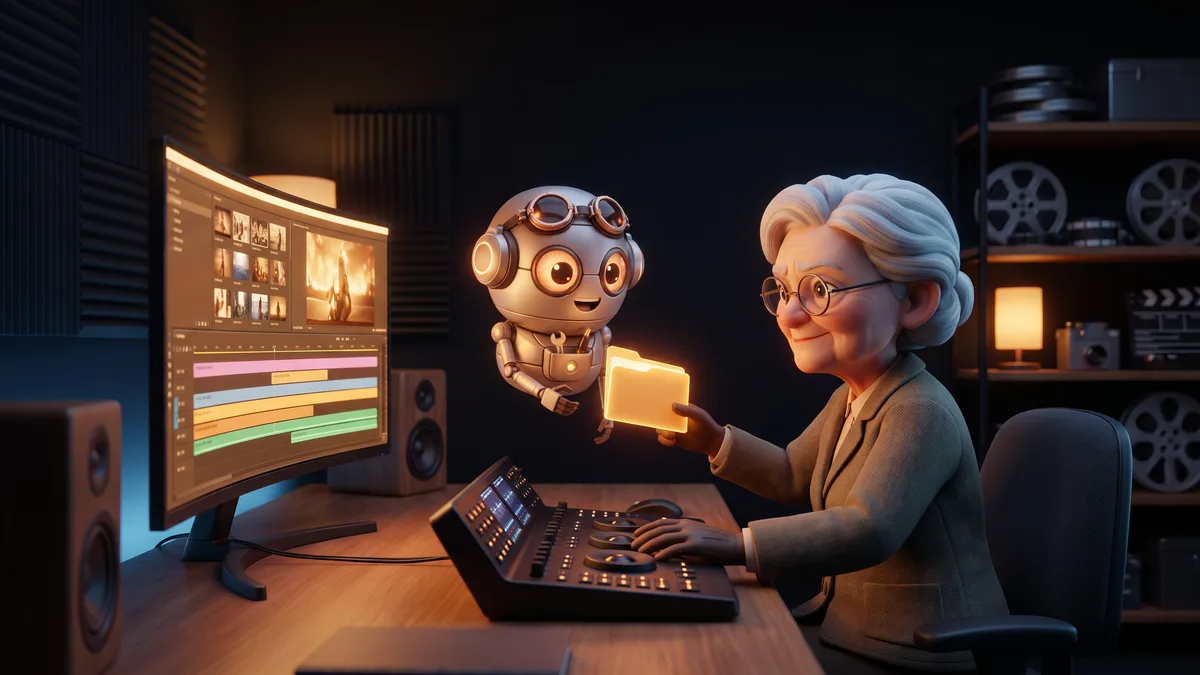
A single rendered file is a dead end in post-production. Besides an edited video with dialogue, music and subtitles, the project exports bibles and a storyboard PDF for the pitch, subtitle files and the screenplay.
It also exports an XMEML timeline for Final Cut Pro and Premiere: not a video, but a description of the edit that opens as separate clips, with the music on its own track. If a reaction shot needs twelve more frames, the editor drags its edge. draft2cut does the assembly; the creative decisions stay in the cutting room.
Your engines, your contracts
Each part of the work can use a different AI engine, chosen by the team. An organization can connect its own provider accounts: calls are then made with its keys, under the contract, plan and data terms it has with each provider.
Some engines can run on machines you control, so the material sent to them does not reach a third-party AI provider. The project itself lives on draft2cut, kept separate for each organization.
Records for the legal review
Exported video carries a small AI label by default, with machine-readable metadata; removing it is a deliberate, recorded choice. Whether a given work must be labelled, and how, remains the producer's decision.
Every generation is logged: the model, the provider, the date and the person. The rights dossier lists the models that worked on the project, who runs them and what their terms say about commercial use. Provider terms change, so keep a copy of the ones you relied on.
A character must be declared fictional or based on a real person. For a real person, images cannot be uploaded until a consent is on record. draft2cut records the declaration; it does not replace a lawyer.