

A campaign, pre-visualized
A client needs to approve a spot before production.
How the work goes in draft2cut
Step 1
Script the spot and break it into shots.
Step 2
Generate frames per shot.
Step 3
Preview it as a moving storyboard.
Step 4
Share a review link and collect comments per shot.
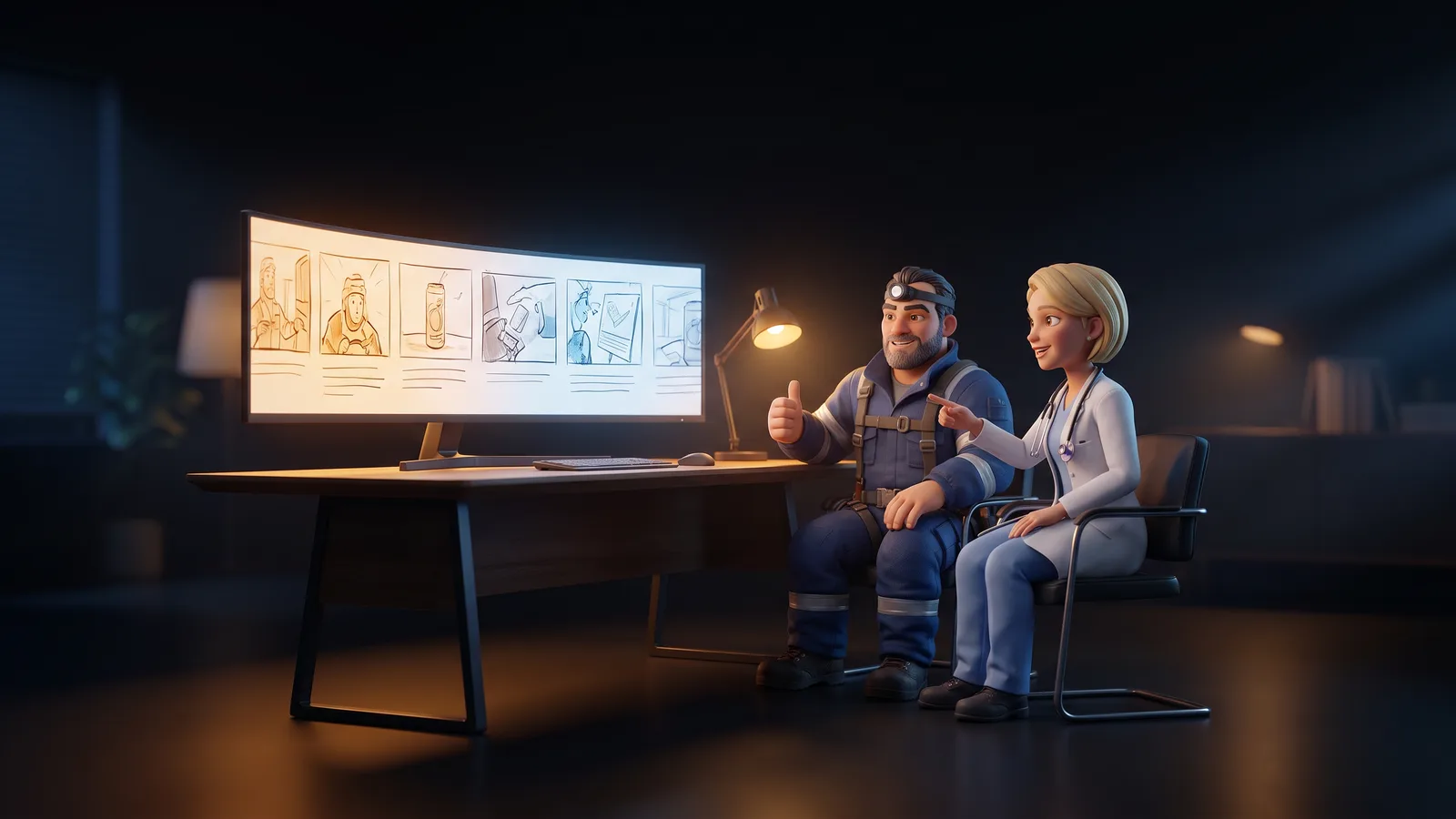
What you get
- A previz and approved frames to hand to production
- A record of the comments and of the approved version
What stays in your hands
The client's comments stay attached to the shot they are about.