

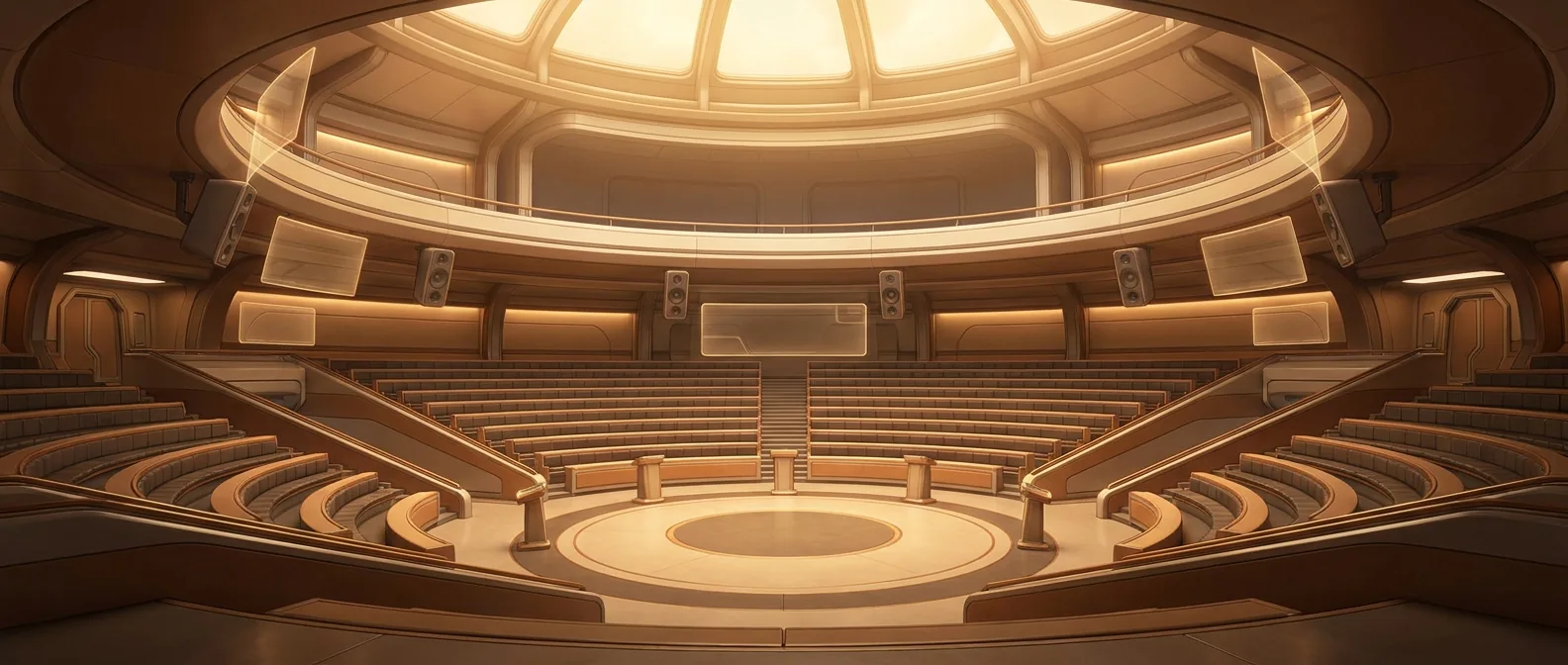
A character and visual bible
Your project needs a look that holds.
How the work goes in draft2cut
Step 1
Design characters with turnarounds, outfits and expressions.
Step 2
Build locations with several views, in different light.
Step 3
Keep drafts for speed and final versions when you are ready.
Step 4
Export the bibles.
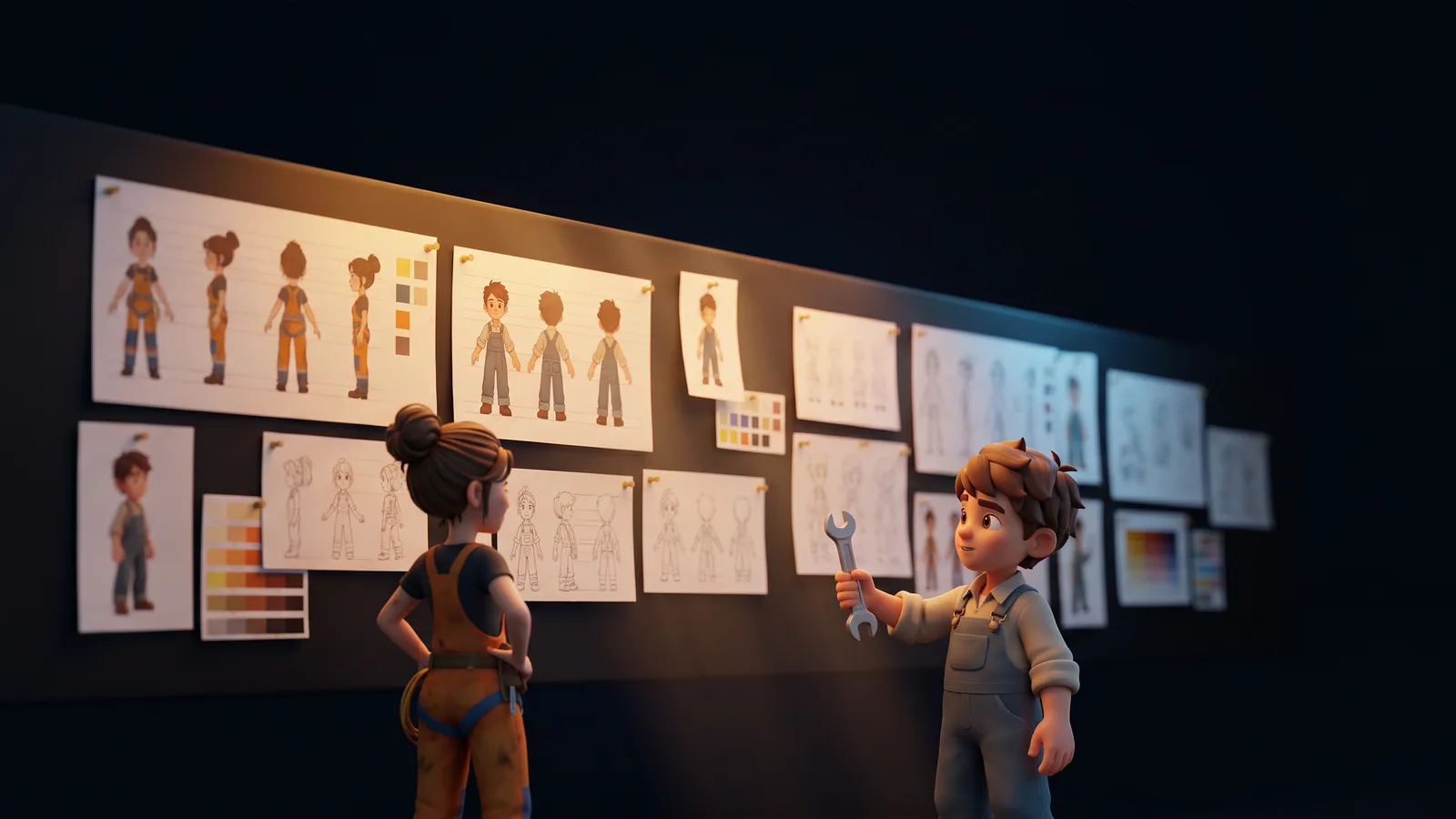
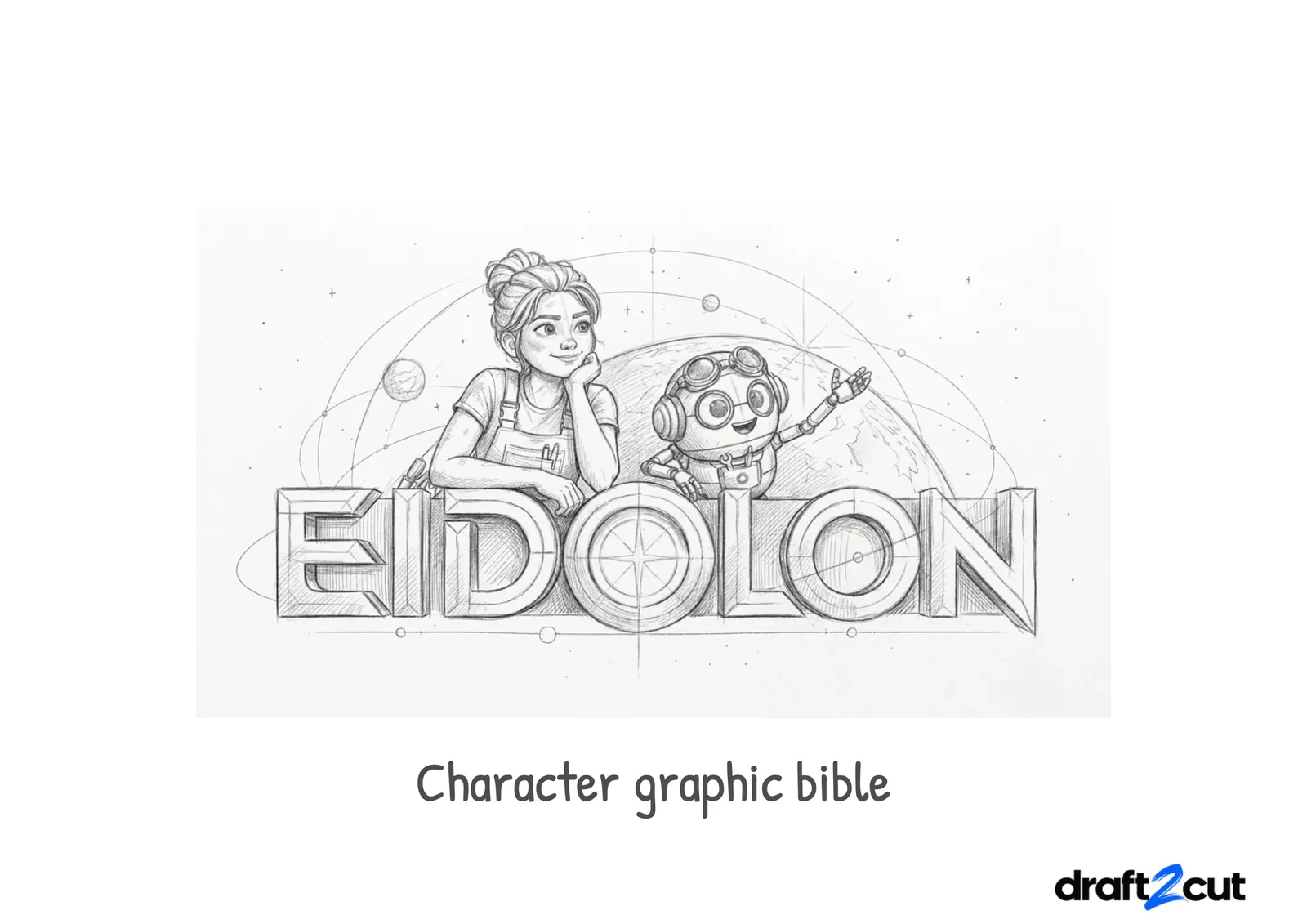
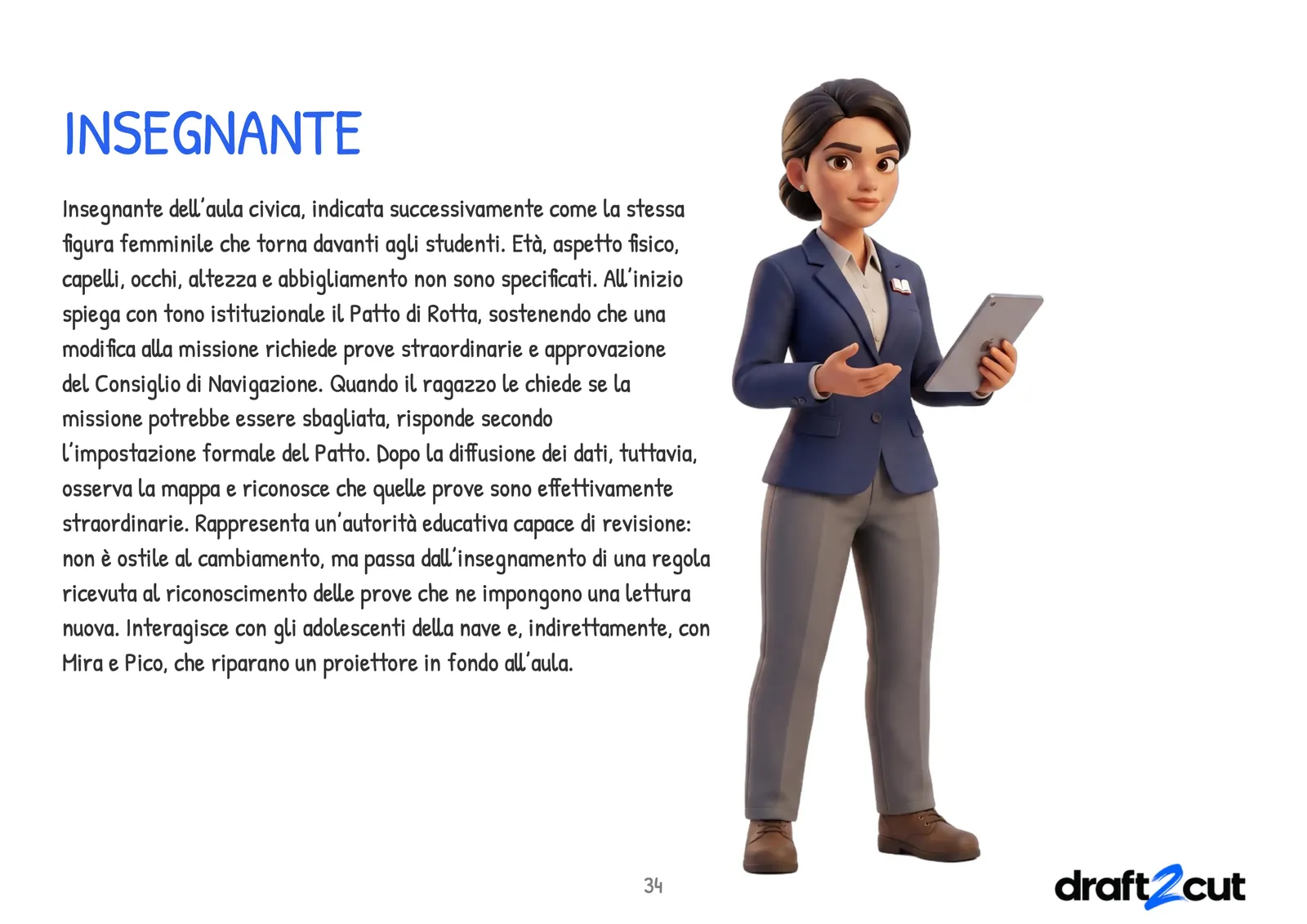
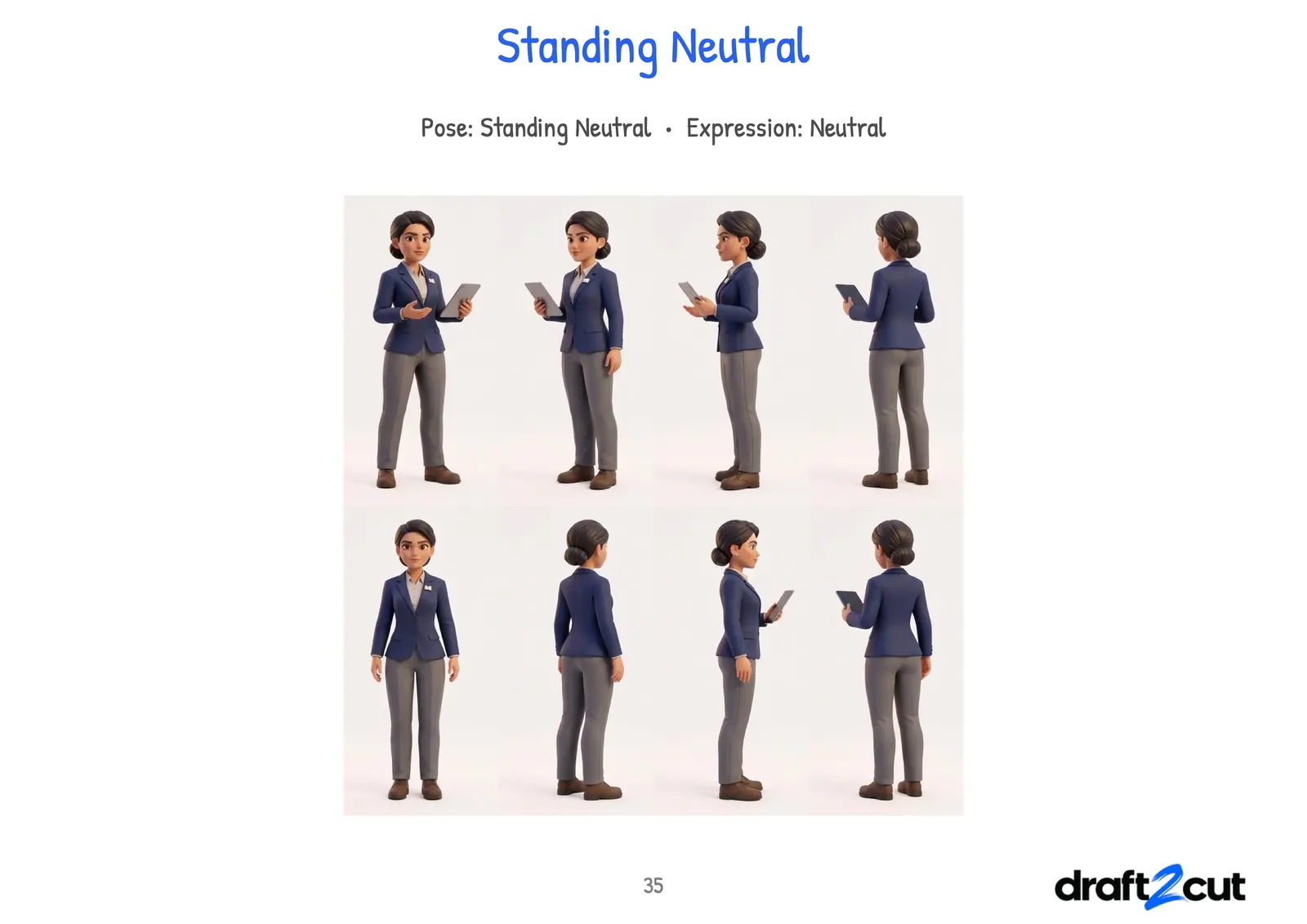
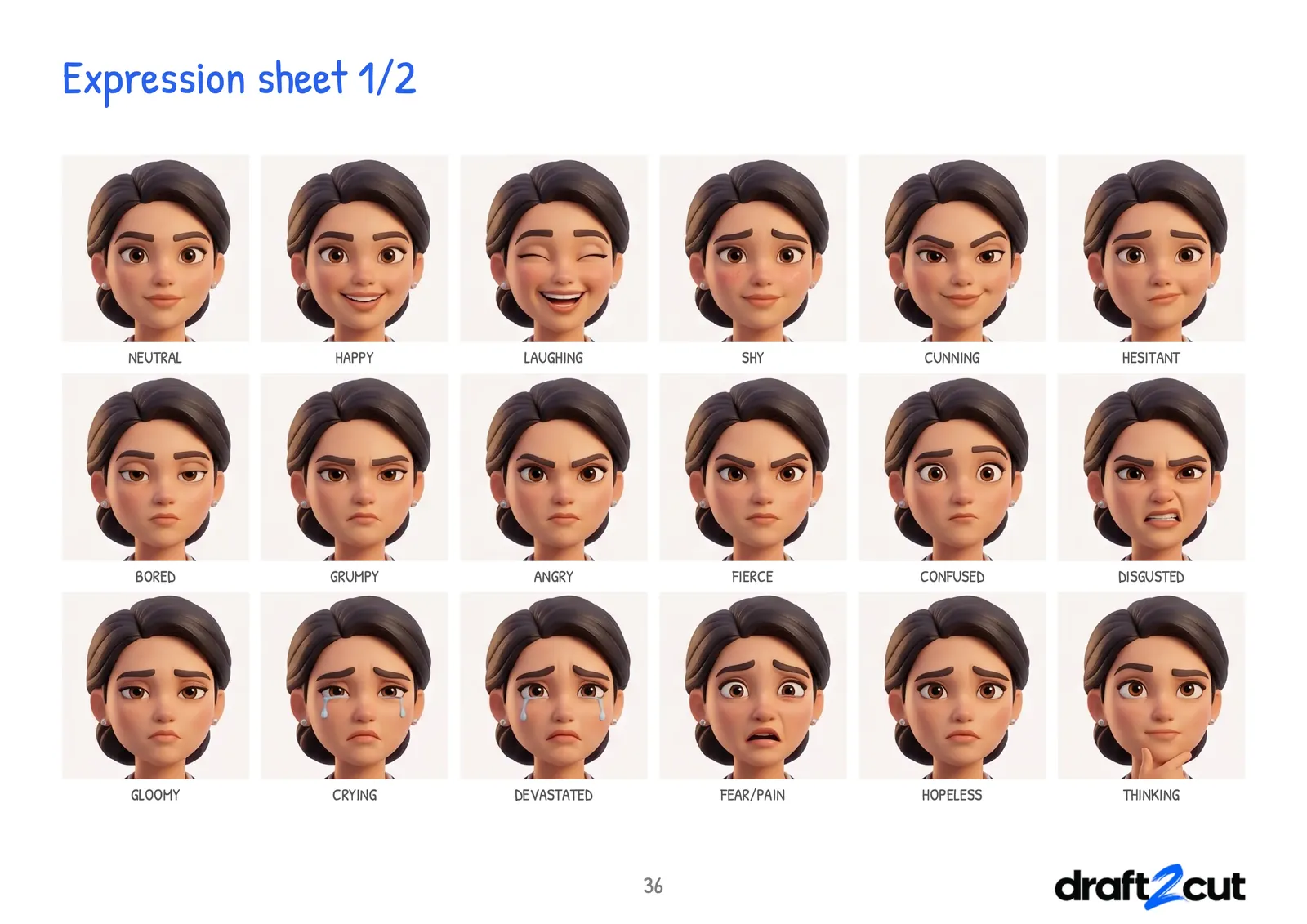
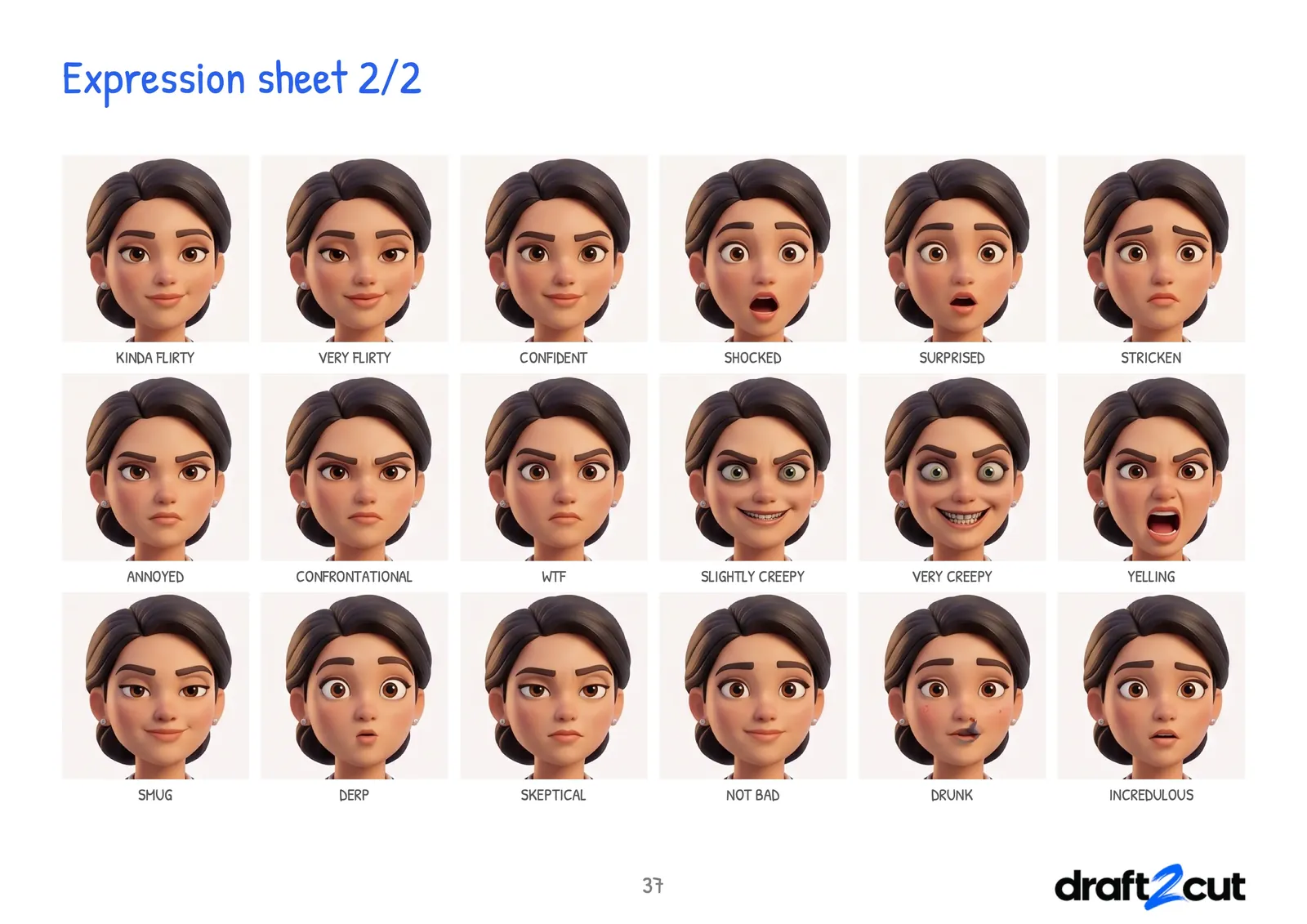
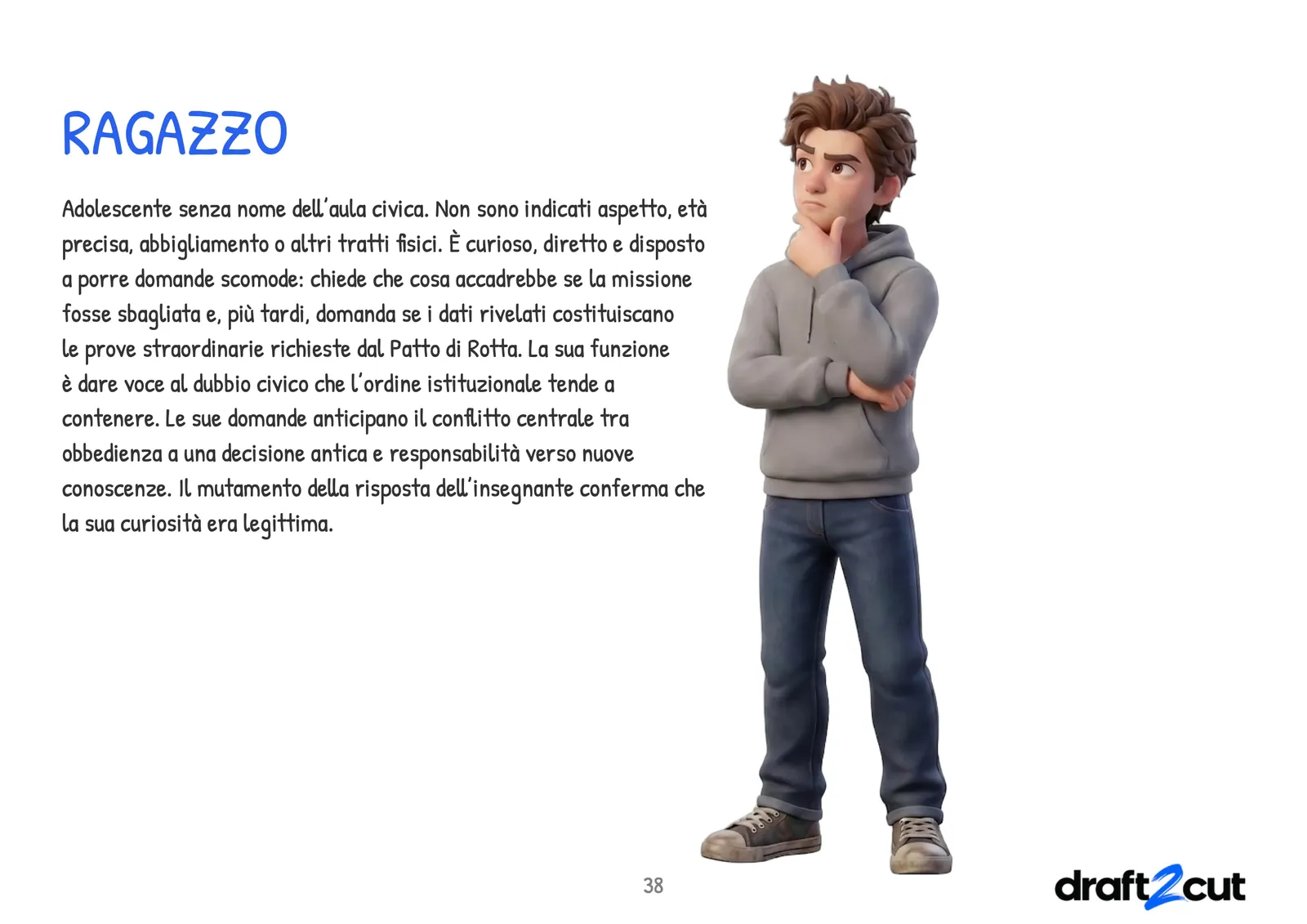
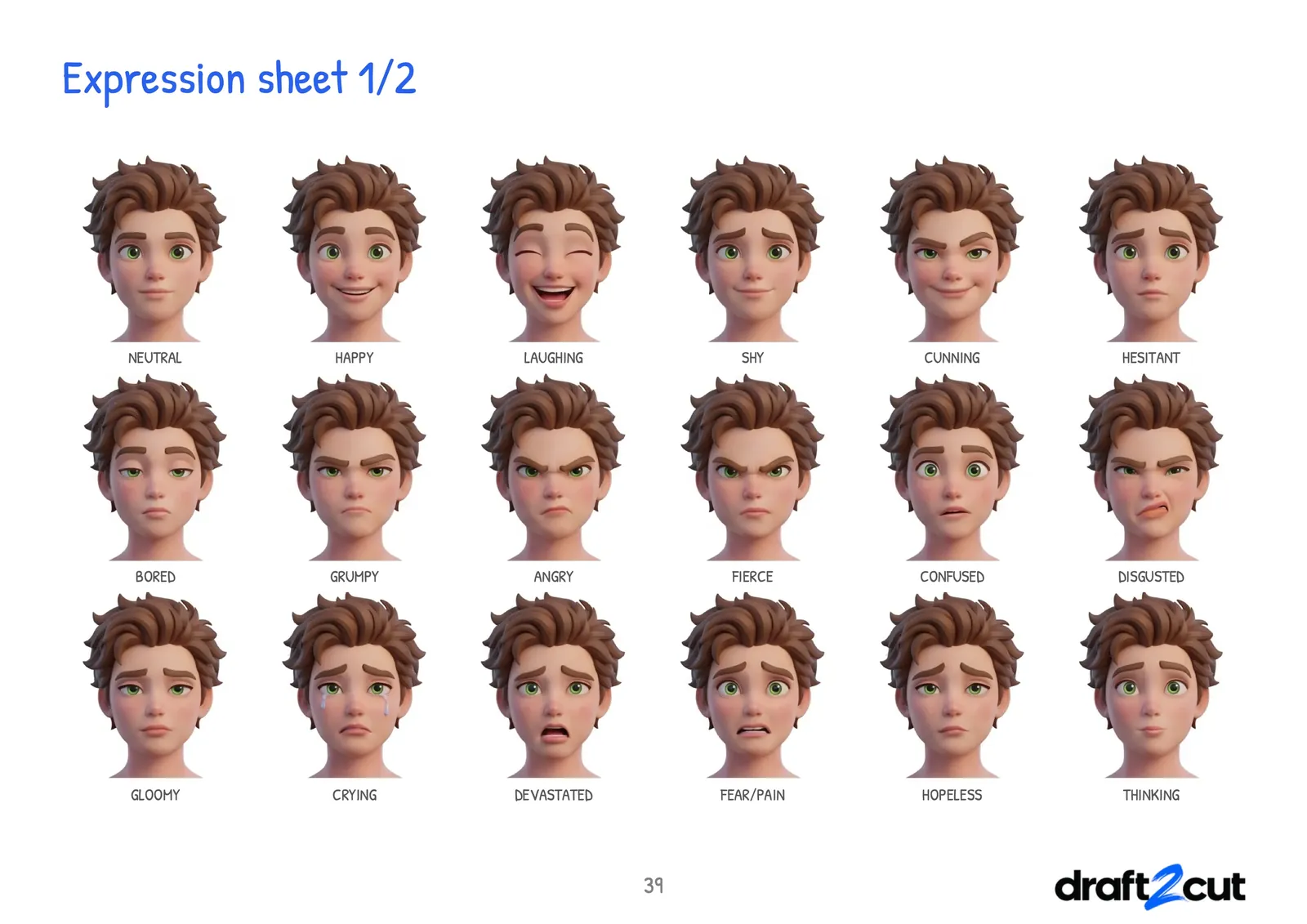
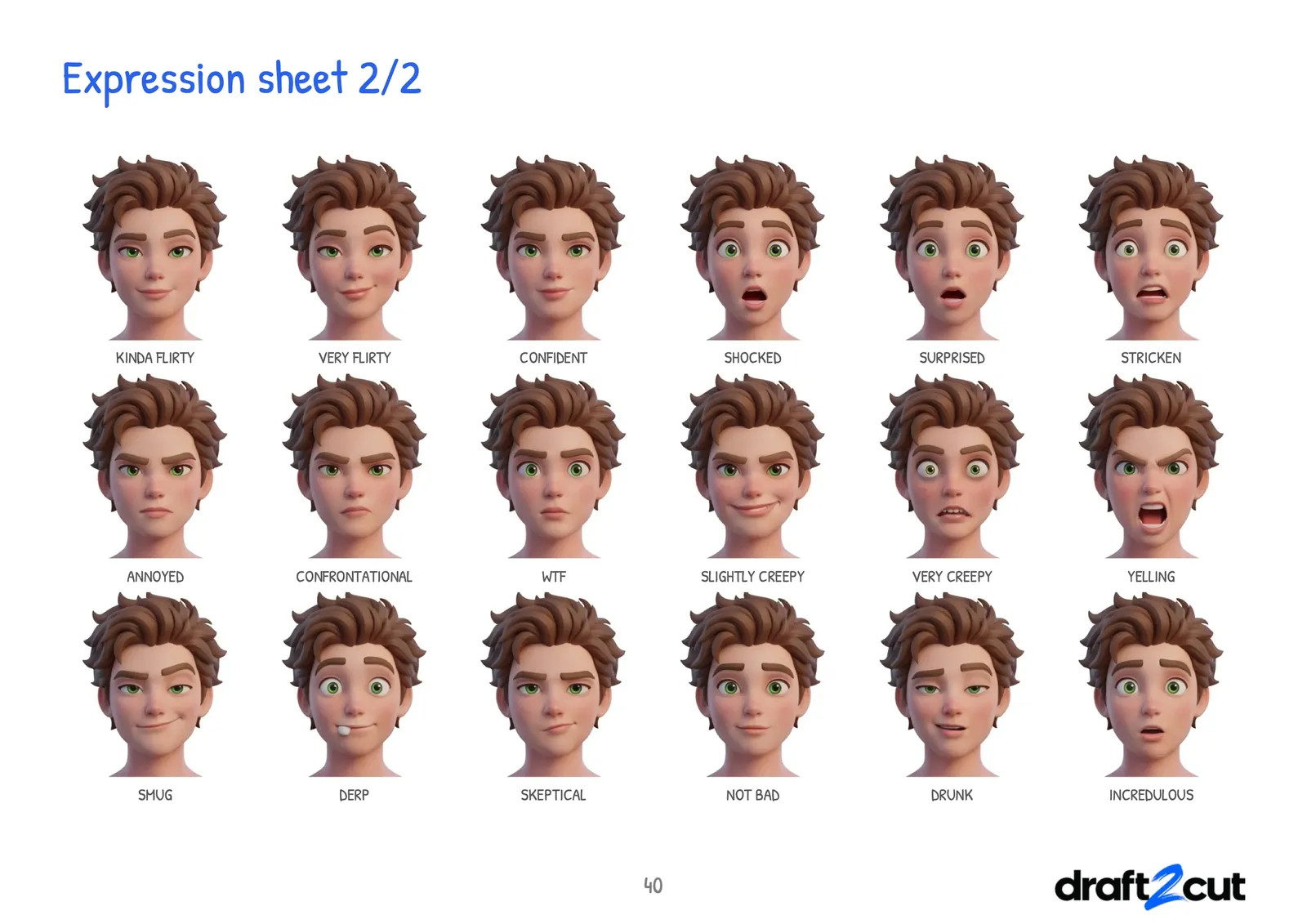
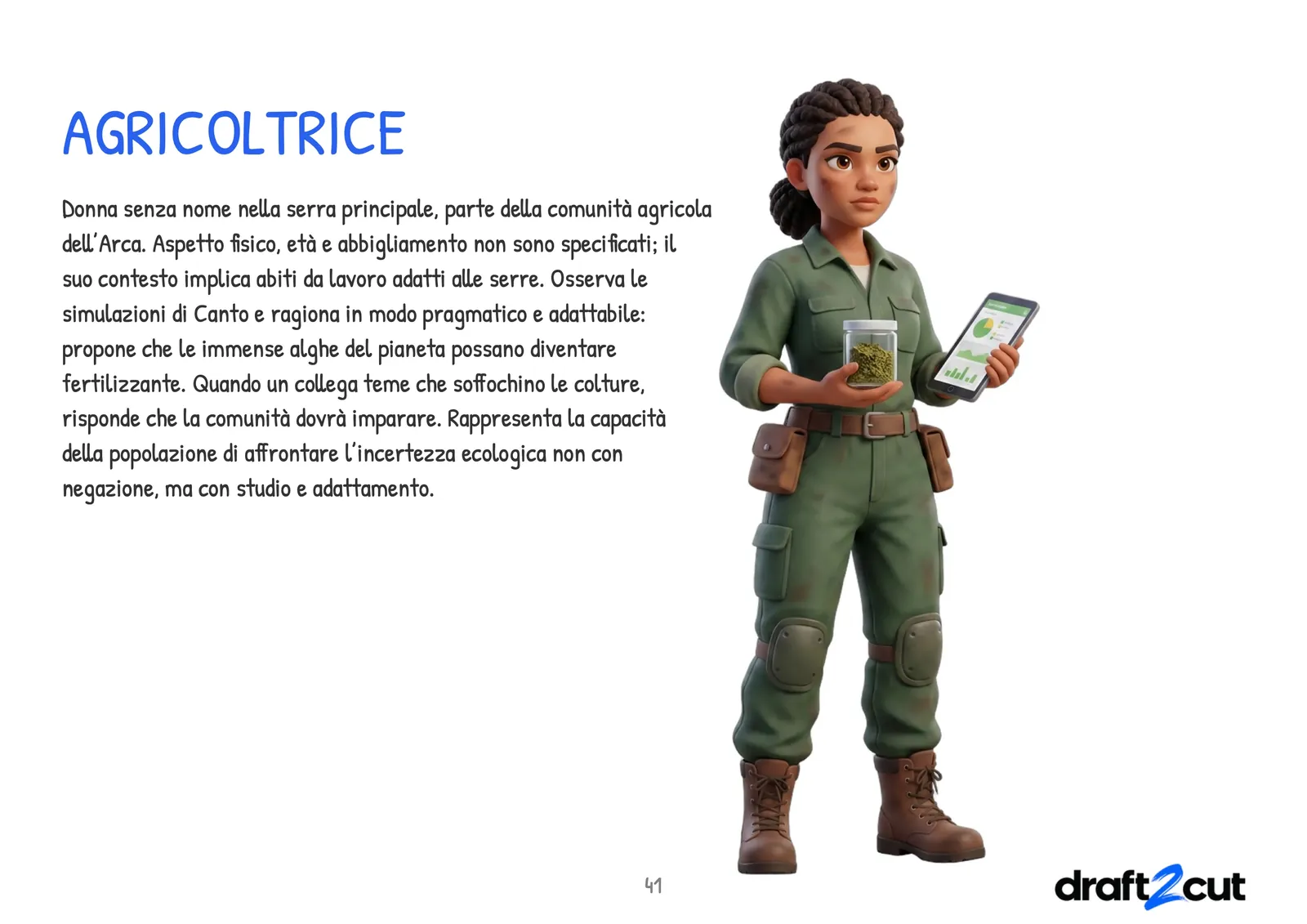
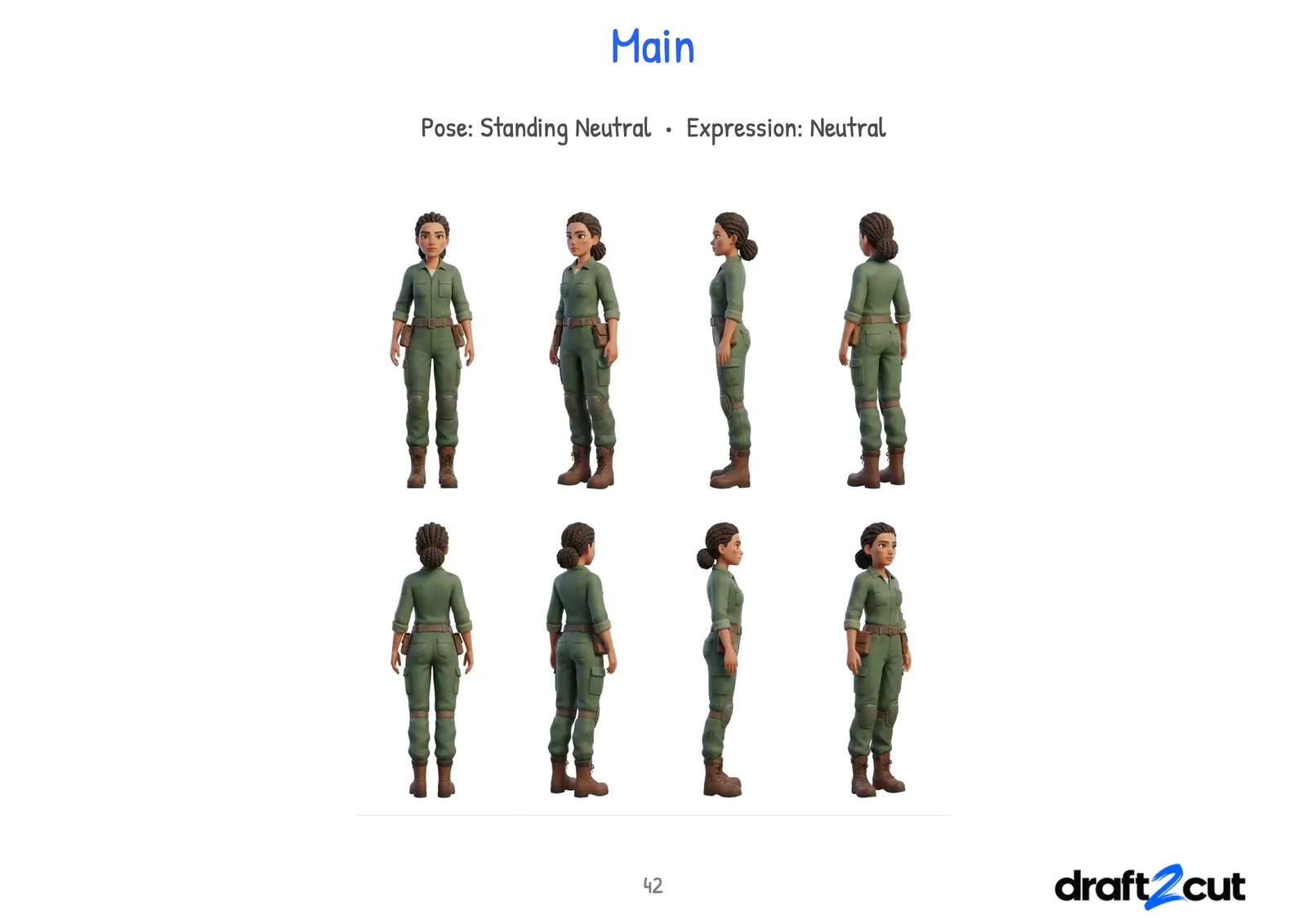
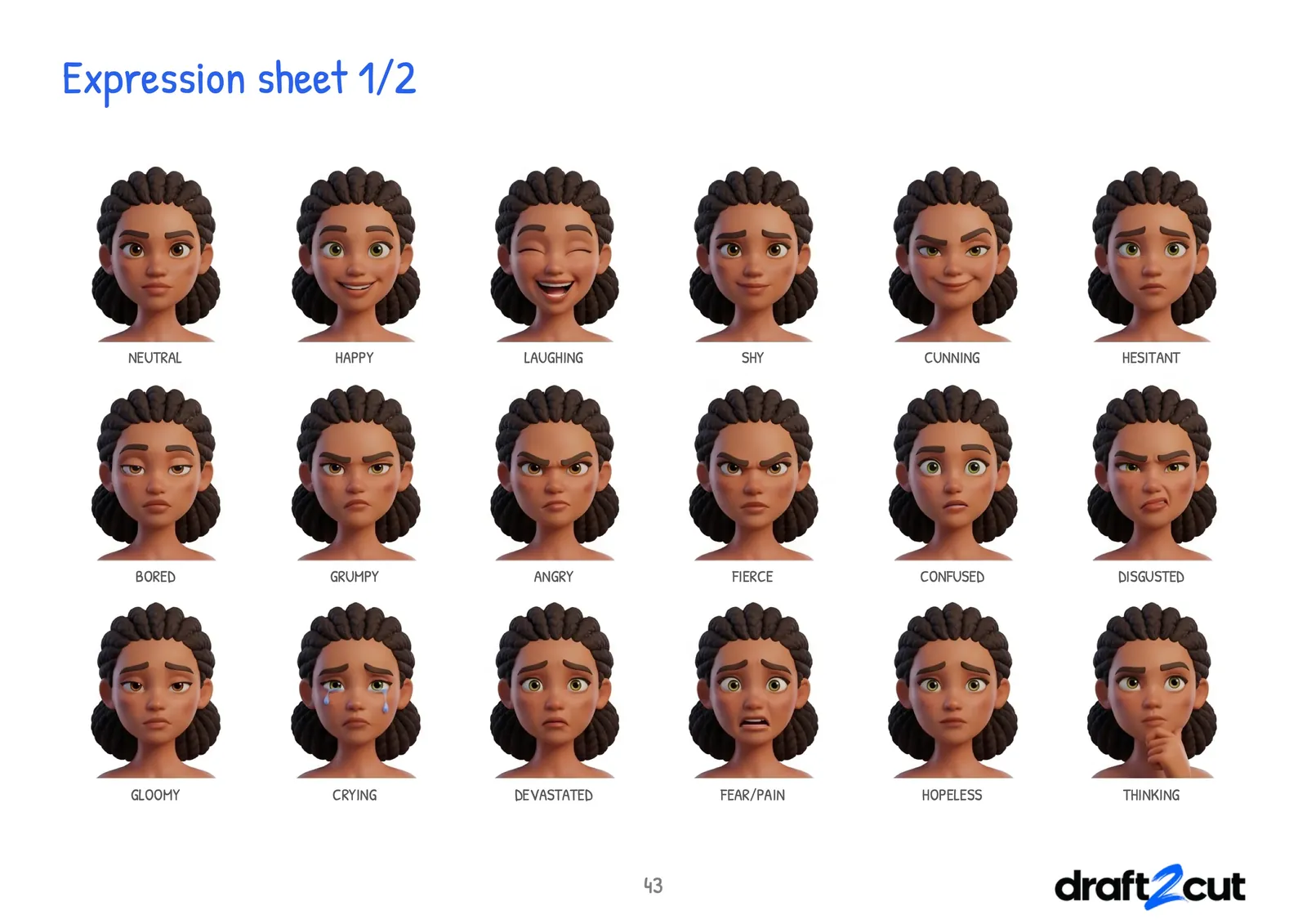
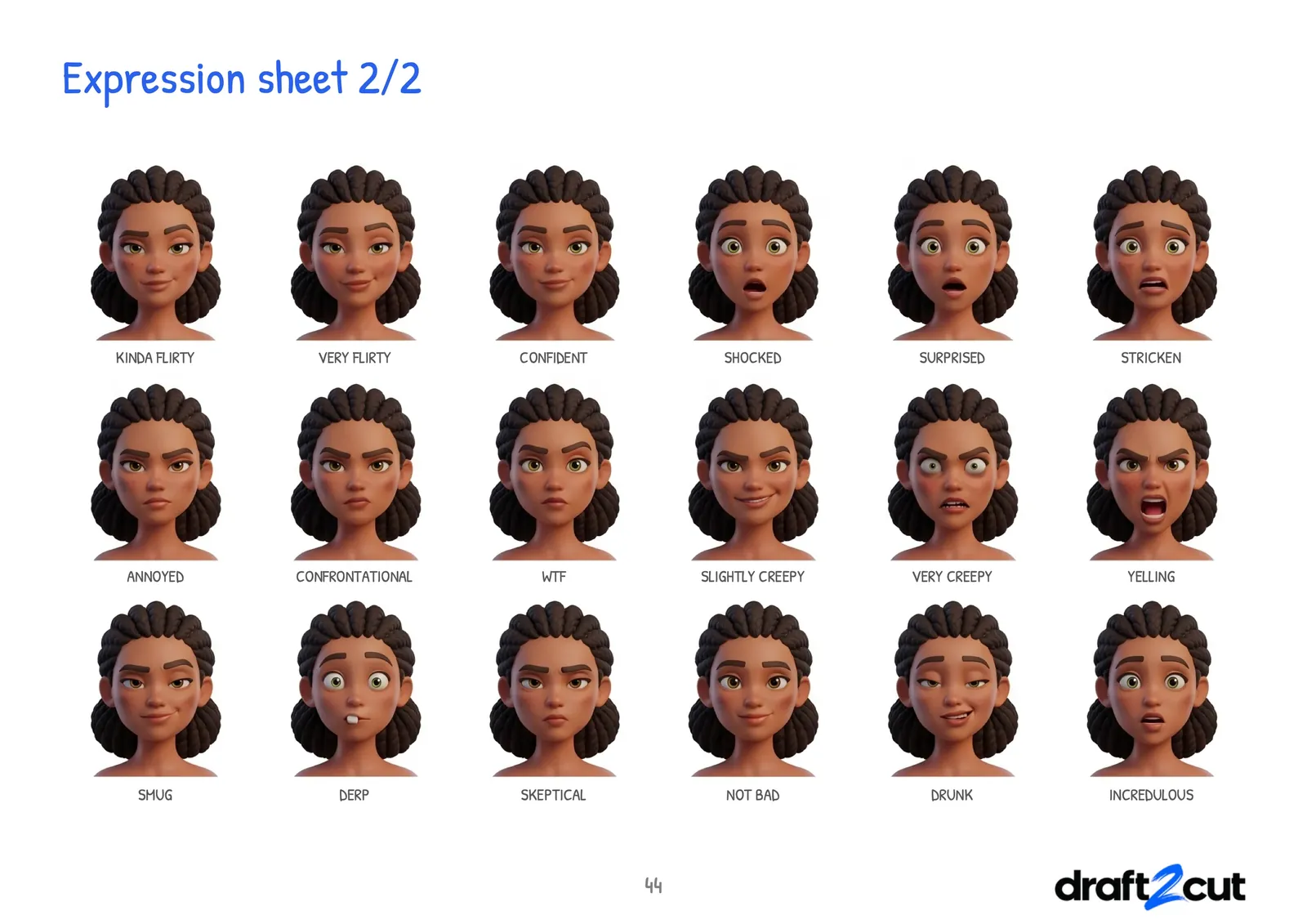
Pages of the characters graphic bible of the series Heidolon, exported by draft2cut; their text is in Italian.
What you get
- Character, environment and prop bibles as PDFs
- Reusable assets for the next project
What stays in your hands
You decide what the look is: draft2cut keeps it consistent.