

A finished short or episode, end to end
You have a script and a small team, and no studio pipeline.
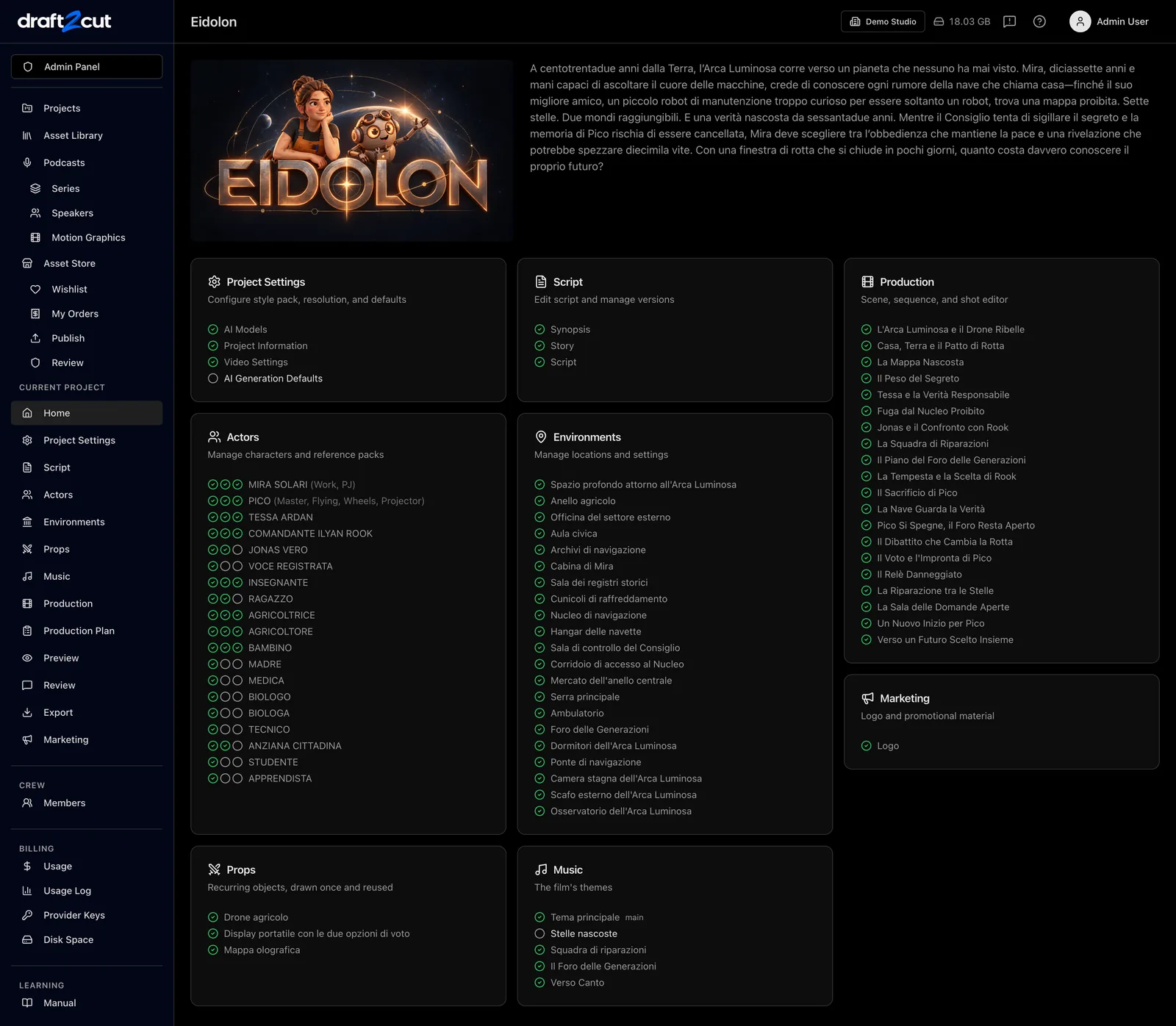
How the work goes in draft2cut
Step 1
Write the script or import it.
Step 2
Break it down into characters, locations, scenes and shots.
Step 3
Design the cast and the places.
Step 4
Storyboard each scene.
Step 5
Generate dialogue, music and video shots.
Step 6
Assemble the edited video and export subtitles and a timeline.

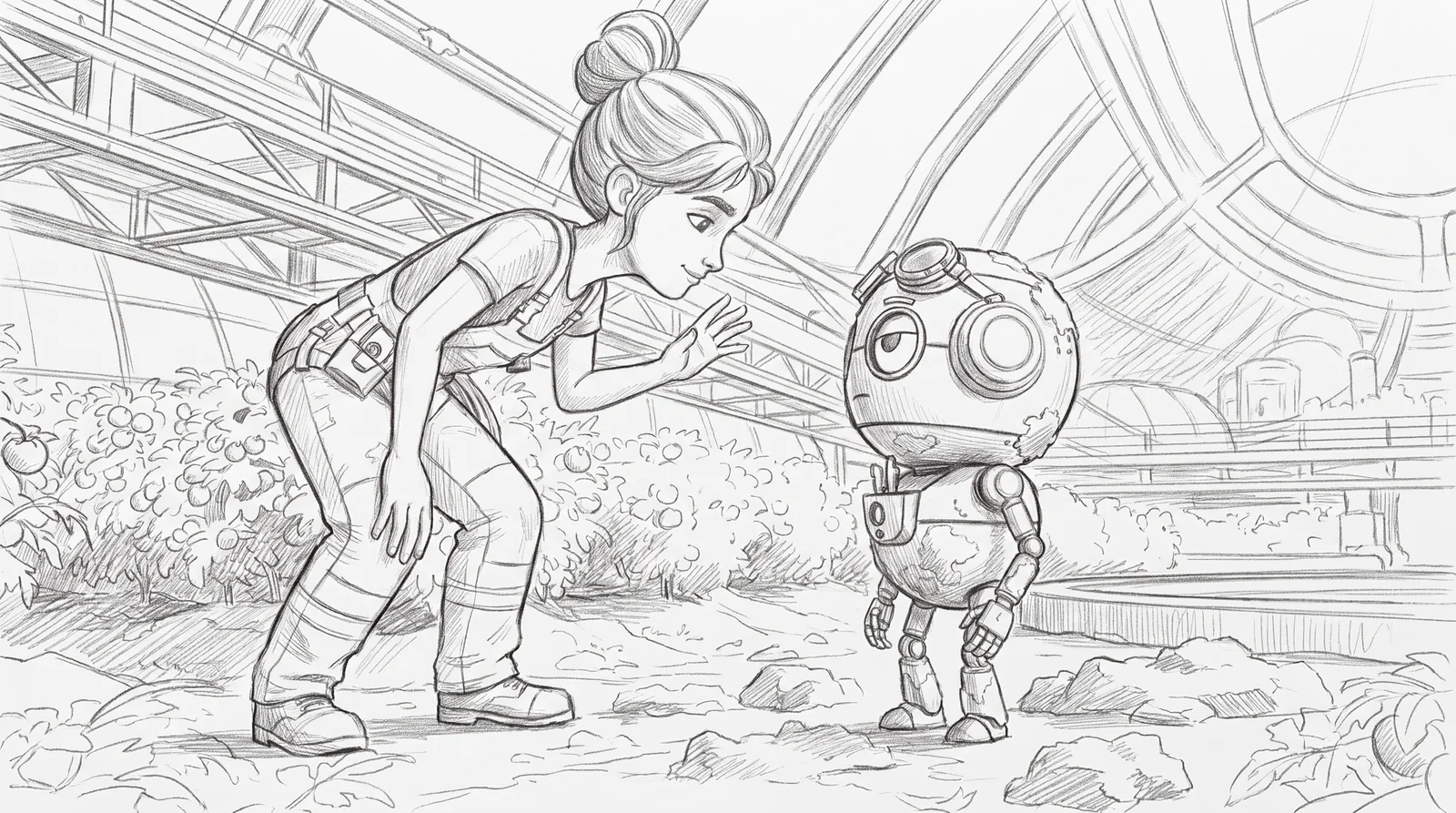
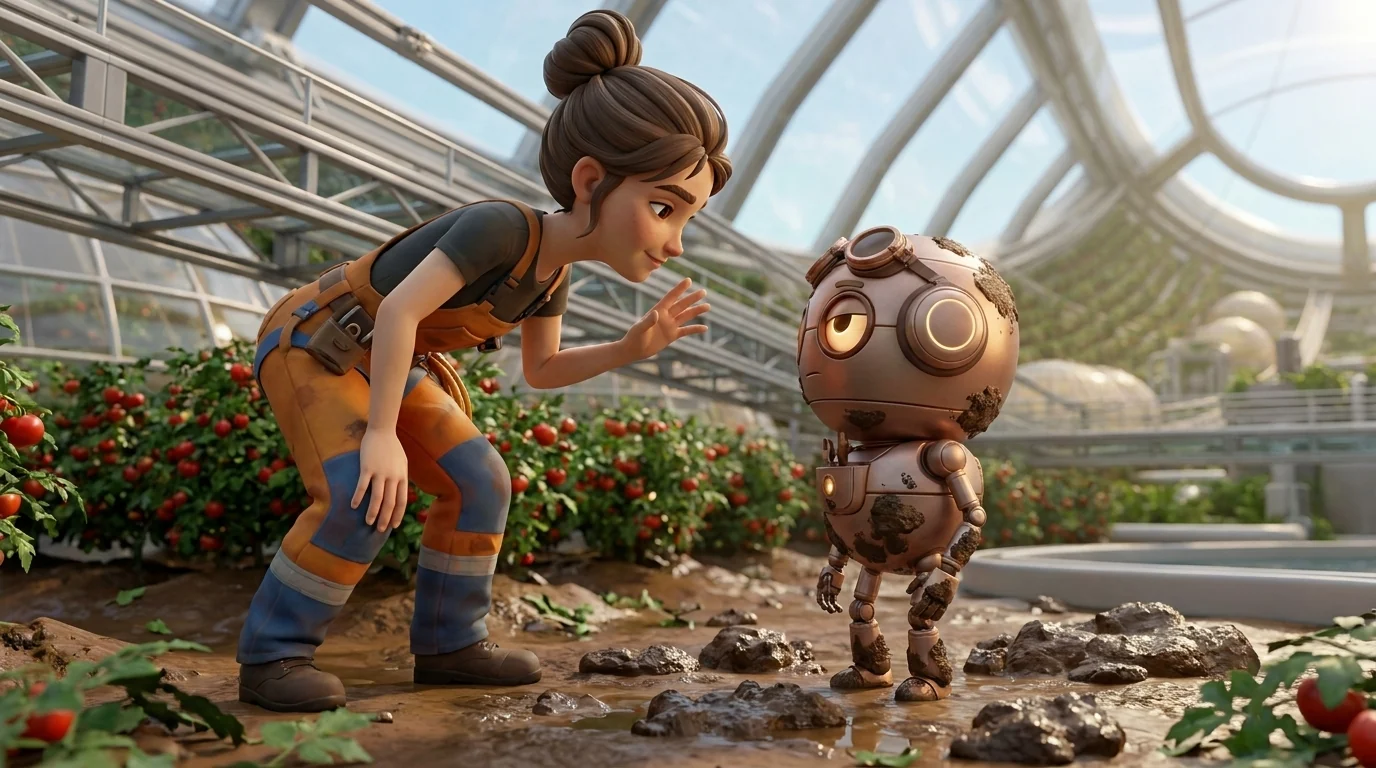
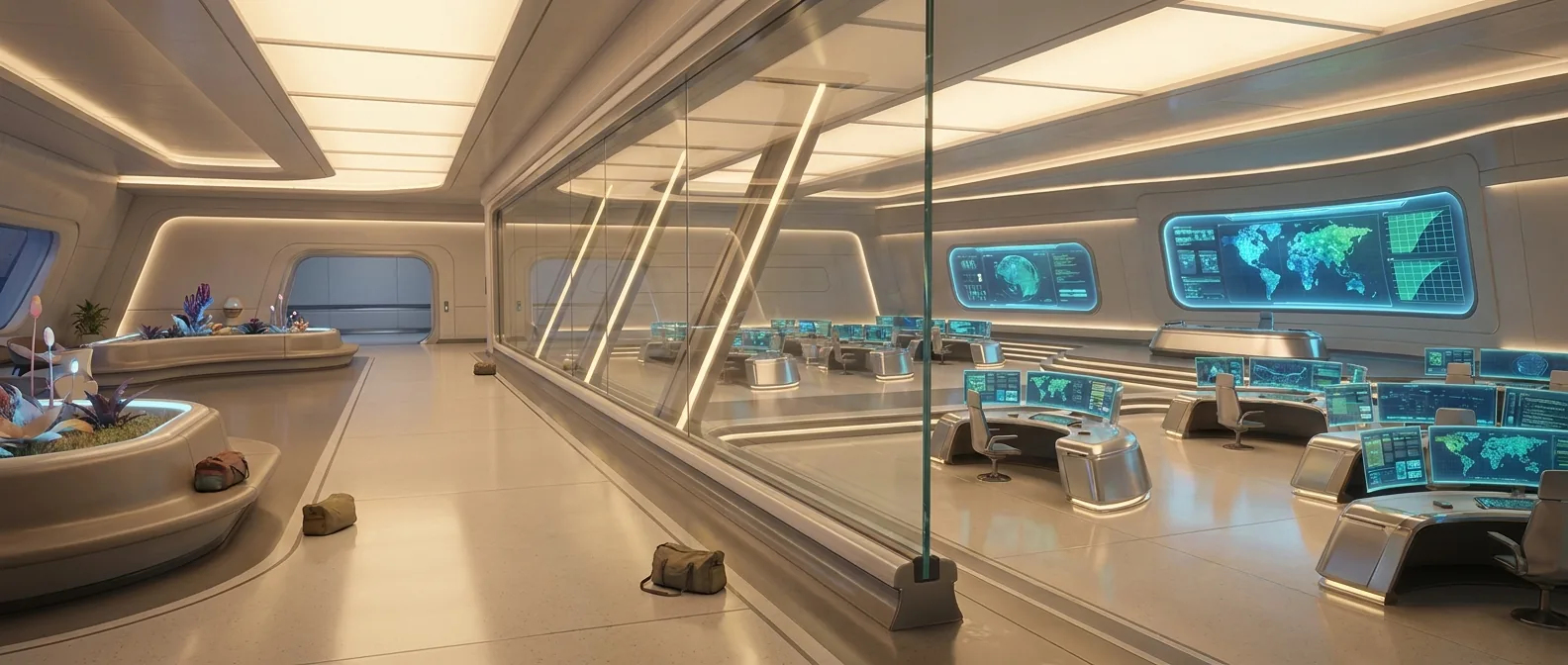
Frames from the series Heidolon, produced with draft2cut. Generated with draft2cut.
What you get
- An edited video with dialogue, music and subtitles
- The bibles and the storyboard
- A timeline file to finish in your editing suite
- The rights dossier and the AI label
What stays in your hands
The quality of the shots depends on the engines you choose, and you decide every step.