

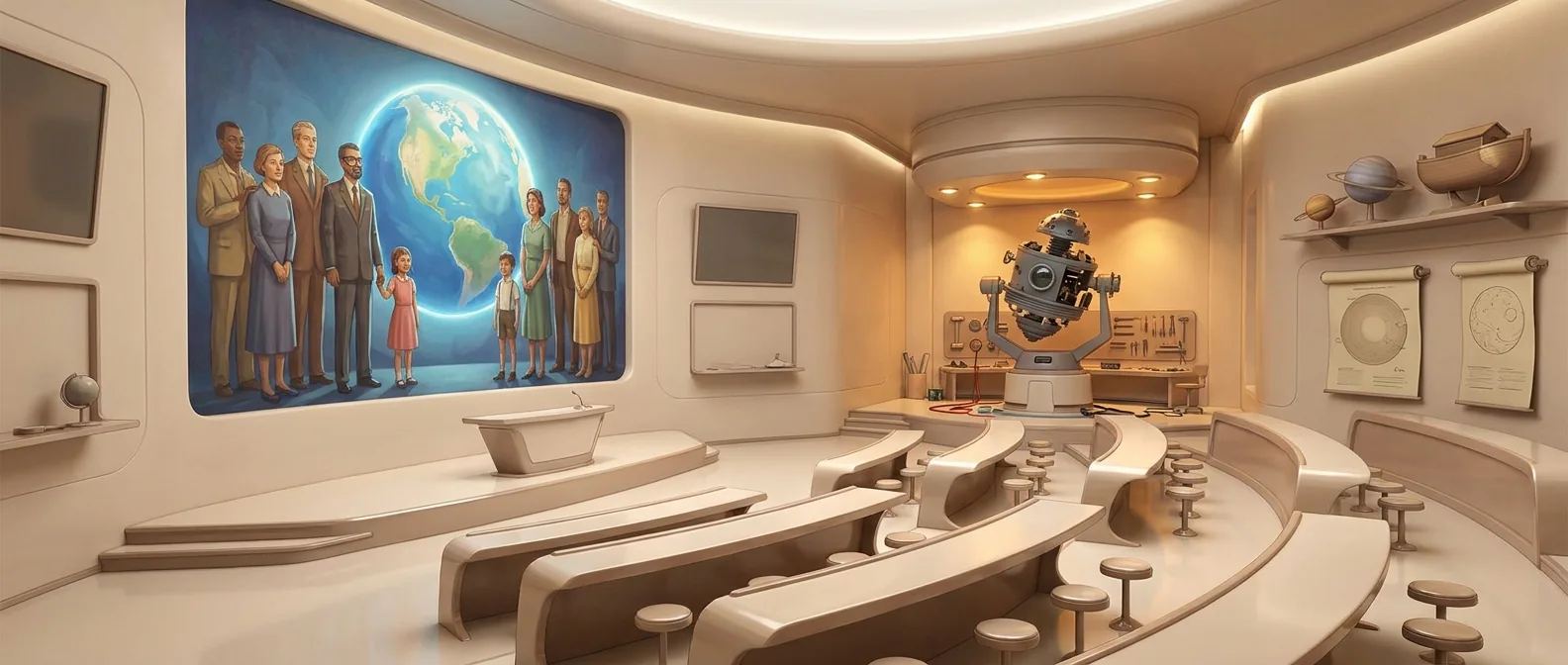
Keep your characters across many episodes
You produce episodes and the cast has to stay the same.
How the work goes in draft2cut
Step 1
Keep the cast, outfits and locations in the project library.
Step 2
Reuse them in each episode.
Step 3
Keep every take, and compare across episodes.
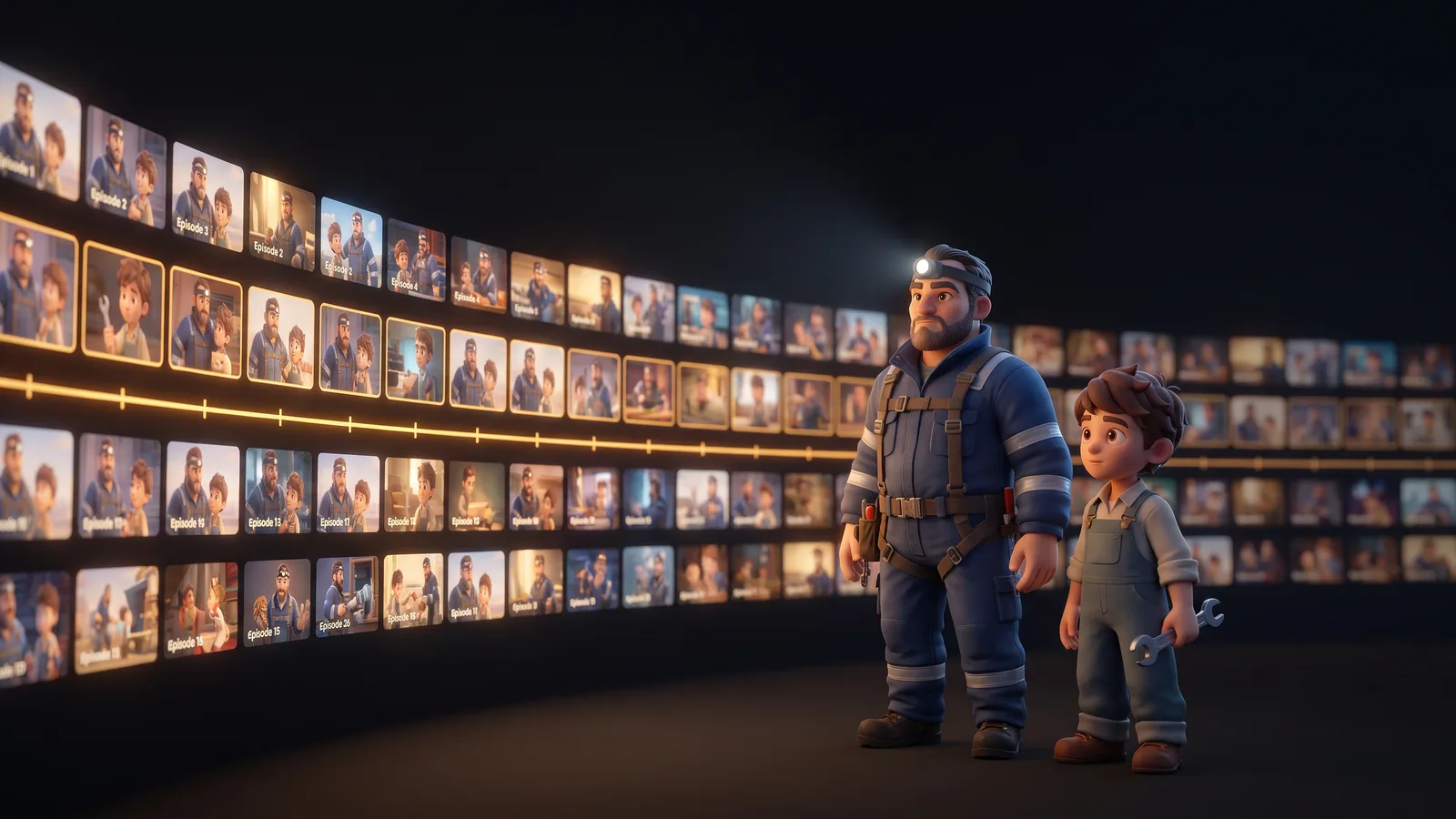
The same characters in every shot
Each character has a reference, a turnaround, outfits, expressions and a voice. Every shot uses the cast chosen for that scene, so the story keeps its people.
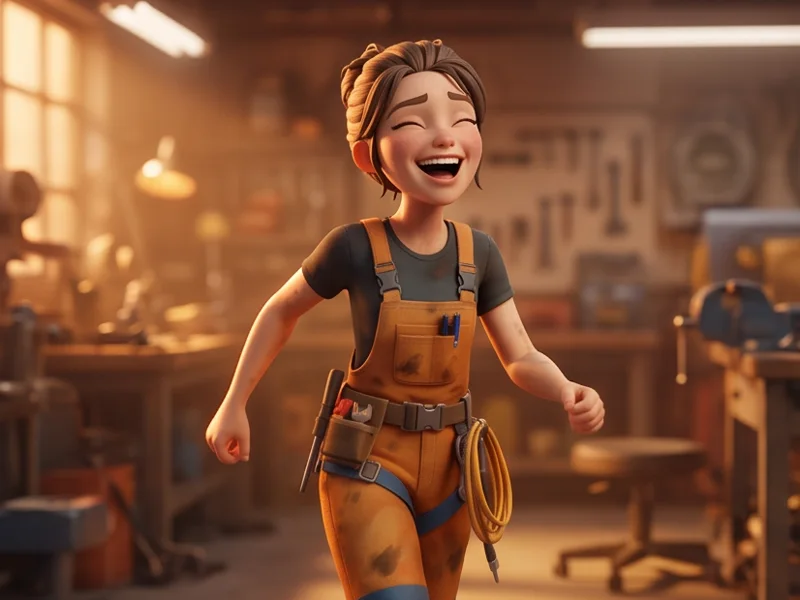
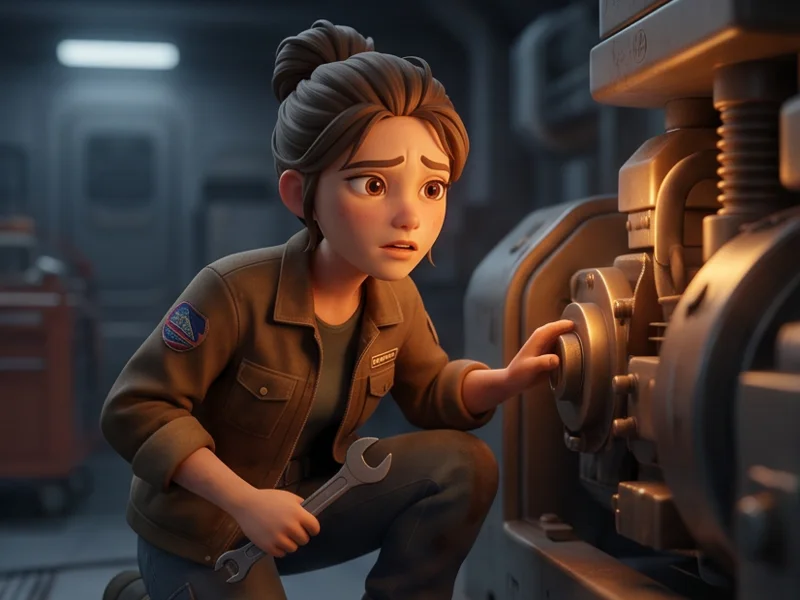
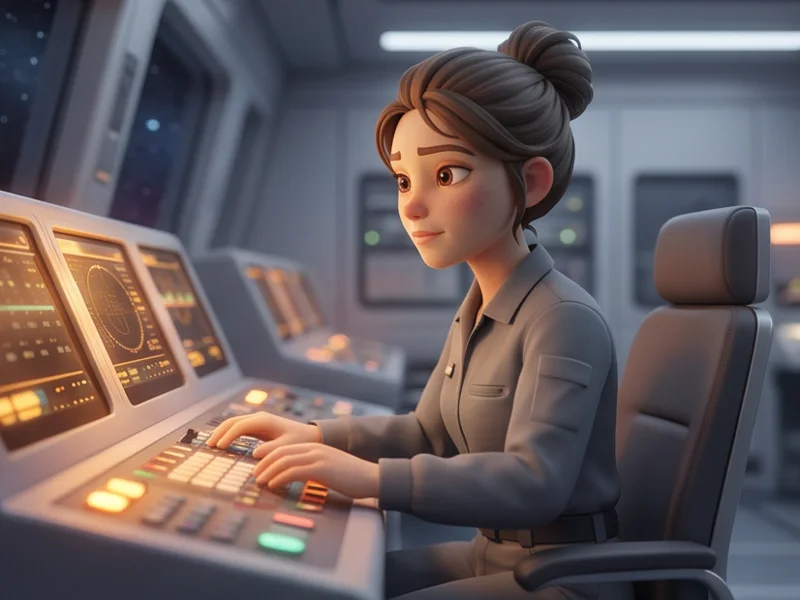
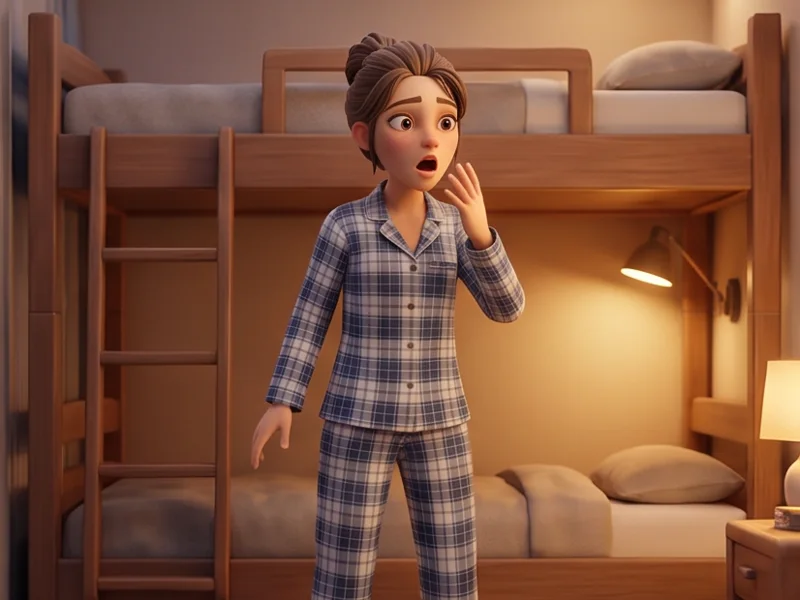
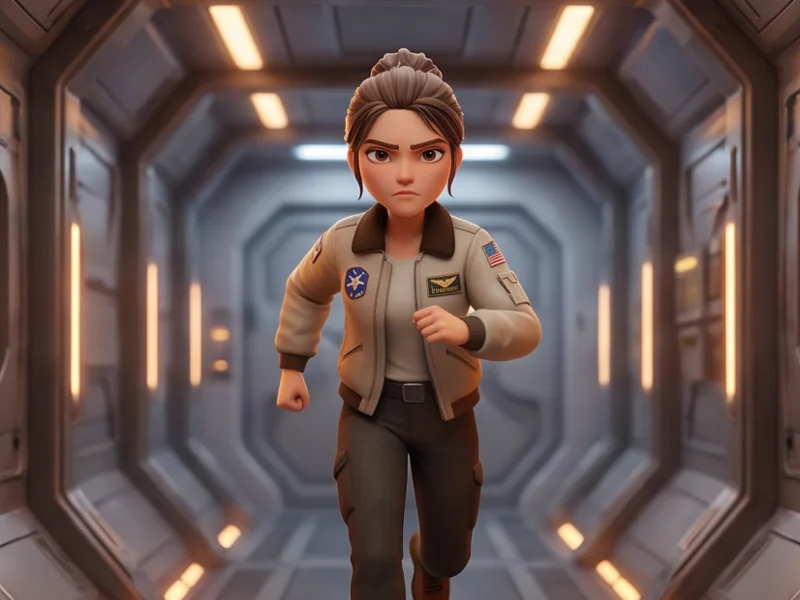
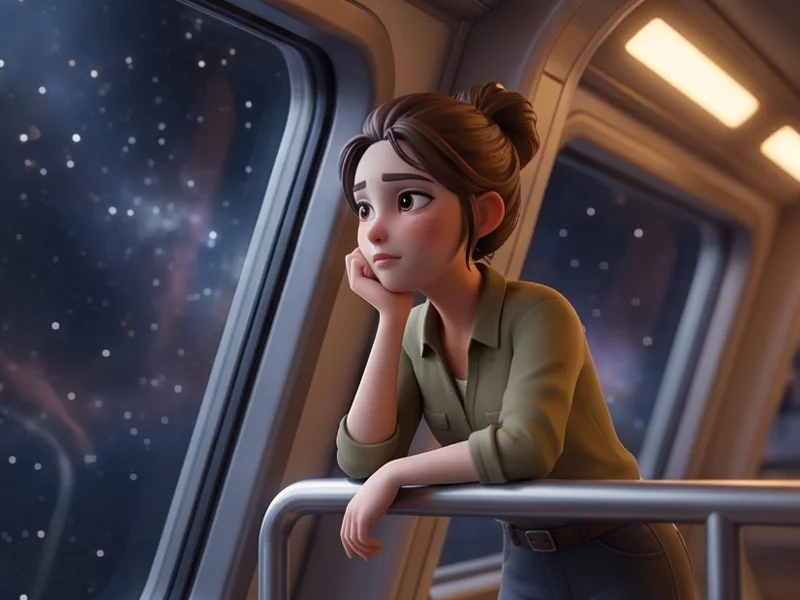
Frames from the series Heidolon, produced with draft2cut. Generated with draft2cut.
What you get
- Episodes that keep their characters
- A structure that survives a change of engine
What stays in your hands
You choose, episode by episode, who appears and how.